EasyManua.ls Logo

Mr. Entertainer KAR122C - User Manual

Mr. Entertainer KAR122C
8 pages
Print Icon
To Next Page IconTo Next Page
Loading...
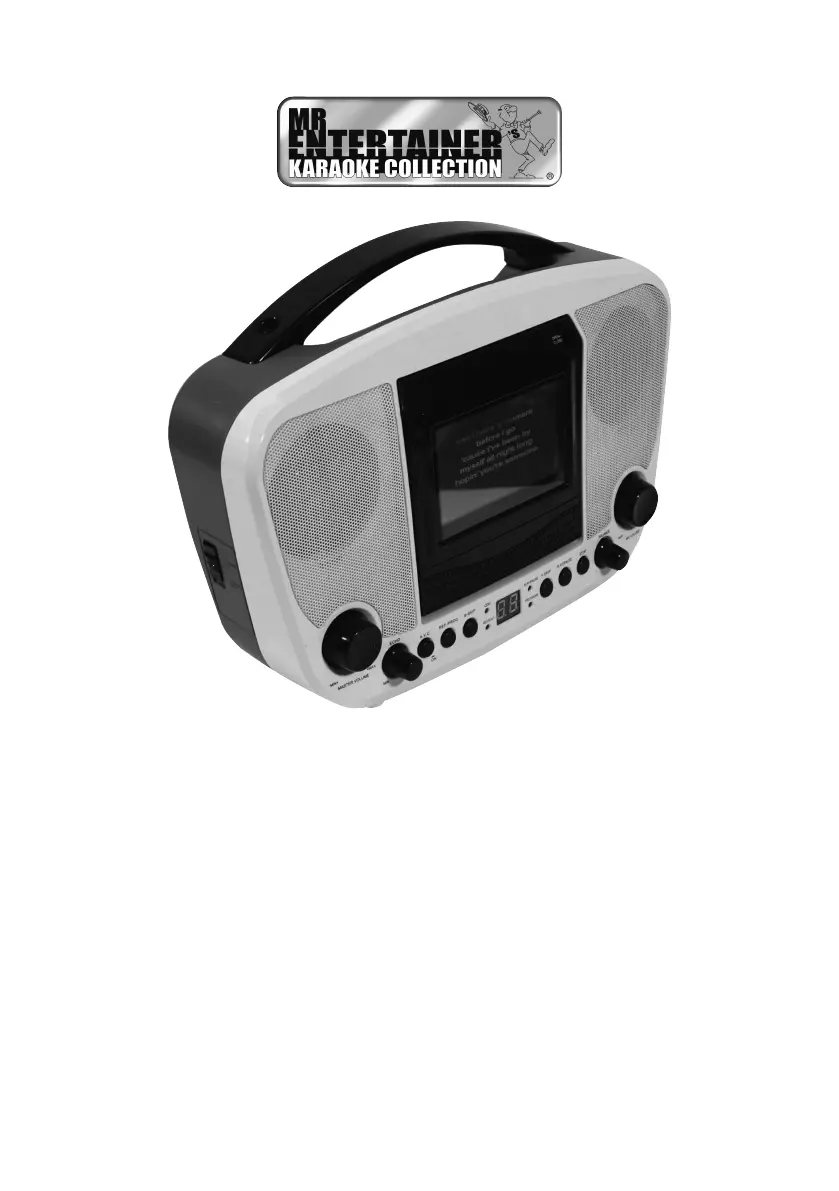
KAR122C (Pink/White)
KAR122D (Black/White)
USER & SAFETY MANUAL
CD+G Karaoke System with 3.5”
screen and Bluetooth Connectivity

Questions and Answers

  • M
    moorejoshuaAug 5, 2025
    Why is there no sound when using Mr. Entertainer KAR122C Karaoke System with TV/home stereo?
    • R
      Ronald BuckleyAug 5, 2025
      If you're not getting any sound when using your Karaoke System with a TV or home stereo, it could be due to the following reasons: * The source selection on your TV/home stereo might not be set correctly. To fix this, select AV INPUT as the source. * There might be an improper connection to your stereo system or PA. Refer to the ‘Audio/Video Output’ section for instructions on connecting to a home stereo system.
  • J
    Jennifer GonzalesAug 9, 2025
    What to do if Mr. Entertainer KAR122C CD player doesn't work or shows 'No'?
    • J
      jermaine39Aug 9, 2025
      If your Karaoke System's CD player isn't working correctly or displays 'No,' here's what you can do: * Ensure the disc is inserted correctly, with the label facing up. * If the disc is dirty, gently wipe it clean with a soft cloth. * Try a new disc if the current one is scratched or warped. * Make sure you are using a compatible disc as mentioned in the manual. * Clean the optical pickup with a CD lens cleaner if the lens is dirty. * If moisture has condensed inside the CD deck, wait 20-30 minutes for it to dry out. * Try resetting the karaoke system by disconnecting it from the power source for 30 seconds.
  • J
    Joshua GrahamAug 15, 2025
    How to fix low or no volume on Mr. Entertainer Karaoke System?
    • N
      Nicole AvilaAug 15, 2025
      If your Karaoke System is on but the volume is low or completely absent, the master volume control might be turned all the way down. Try turning the master volume control to a higher output level.
  • R
    rachelfordAug 19, 2025
    How to get song lyrics on the TV screen with Mr. Entertainer KAR122C (CDG Mode)?
    • T
      Taylor ClarkAug 19, 2025
      If song lyrics aren't showing up on your TV screen in CDG Mode, consider the following: * Check that the video cable is properly connected to the VIDEO OUT of the unit and the TV's Video In jack. * Ensure your TV's source selector is set to VIDEO or A/V IN using your TV remote. * If your TV lacks a video line input, connect the unit's VIDEO OUT to an RF modulator and then to the TV cable input. * Confirm that you're using a CD+G disc and that the CDG indicator is lit. Also, ensure the disc is clean.
  • A
    Amy RobertsAug 25, 2025
    What to do if there is no image on TV screen when using Mr. Entertainer KAR122C?
    • K
      Kayla ReyesAug 26, 2025
      If you're not seeing any image on your TV screen, the TV input might not be set correctly. Make sure to set the TV input to the correct A/V input that is connected to the Karaoke System unit.
  • M
    Mark HollandAug 29, 2025
    How to troubleshoot Mr. Entertainer Karaoke System microphone not working?
    • K
      Kimberly CostaAug 29, 2025
      If you can't sing through the microphone on your Karaoke System, here are a few things to check: * Make sure the MIC and MASTER VOLUME CONTROLS are adjusted to appropriate levels. * Verify that the microphone is turned on using the ON/OFF switch located on it. * Ensure the microphone is fully plugged into either MIC 1 or MIC 2 JACK on the unit.

Summary

BEFORE USE AND SAFETY

PRODUCT SAFETY GUIDELINES

Essential safety precautions for using the karaoke unit, including supervision and placement.

PROPER PRODUCT USAGE

Instructions for correct operation, maintenance, and usage recommendations for the karaoke system.

LASER AND ELECTRICAL SAFETY

CLASS 1 LASER PRODUCT INFORMATION

Details classification of the product as a Class 1 Laser Product and related precautions.

ELECTRICAL SHOCK HAZARD WARNINGS

Highlights electrical shock risks and necessary precautions, including not opening the unit.

LOCATION AND MEANING OF CONTROLS

SETTING UP YOUR KARAOKE MACHINE

SOURCE SELECTION AND CD-CDG PLAYBACK

Guide to selecting audio sources and operating CD/CDG playback functions.

REPEAT AND PROGRAM PLAYBACK MODES

Instructions for using repeat playback and programming custom track sequences.

CONNECTIVITY AND ADDITIONAL FUNCTIONS

BLUETOOTH, USB, AND AUX OPERATION

How to connect and use Bluetooth, USB, and Aux-in for audio playback.

AUDIO;VIDEO OUTPUT AND SPECIFICATIONS

Details on connecting to external displays and system technical specifications.

TROUBLESHOOTING COMMON ISSUES

MAINTENANCE AND WARRANTY INFORMATION

CLEANING AND CARE INSTRUCTIONS

Guidelines for cleaning the karaoke machine safely and effectively.

SERVICE WARRANTY AND SUPPORT

Information on product warranty, retailer contact, and technical help desk.

DISPOSAL OF ELECTRONIC WASTE

Instructions for proper disposal of batteries and electronic equipment according to EU regulations.

Mr. Entertainer KAR122C Specifications

General IconGeneral
BrandMr. Entertainer
ModelKAR122C
CategoryKaraoke System
LanguageEnglish

Related product manuals