4
mrcool.com
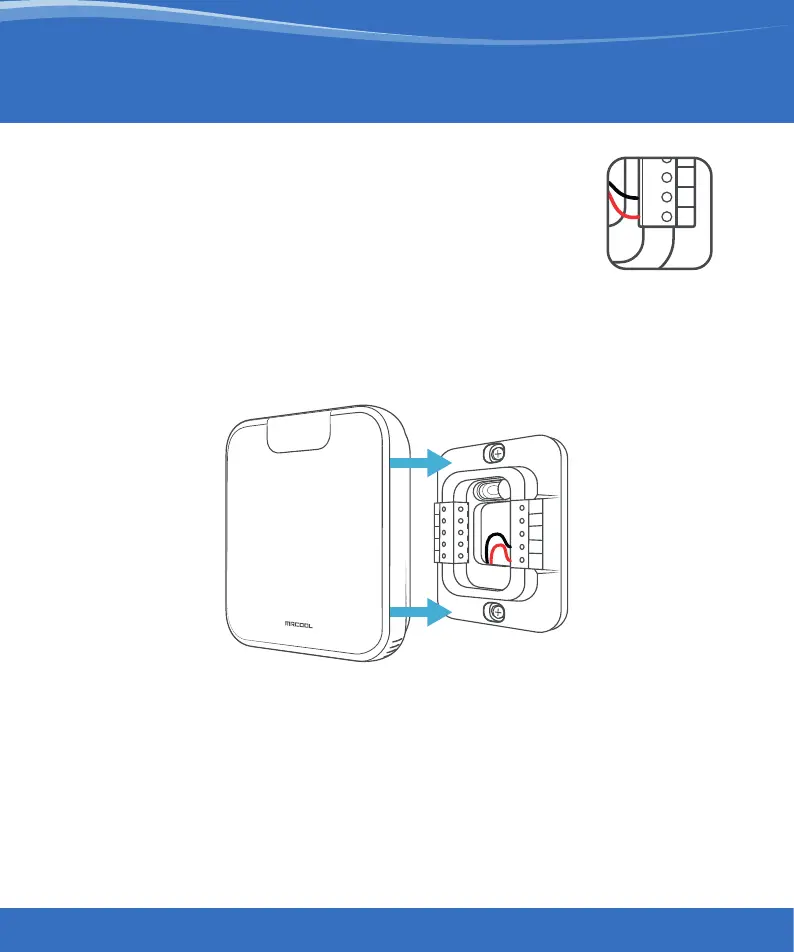
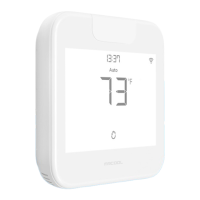
Step 4: Smart Wi-Fi Mini-Stat has two terminals
marked as Rc and C on its backplate.
Insert red wire into Rc and black wire
into C from the side (press the terminal
block buttons for ease of insertion).
Step 5: Align your Smart Wi-Fi Mini-Stat with the backplate and
press gently to fix it properly.
Your installation is complete.
Please switch on power from the circuit breaker.
Instructions for Wired Connection
C
R
C


 To Next Page