2-28
Getting Started
+
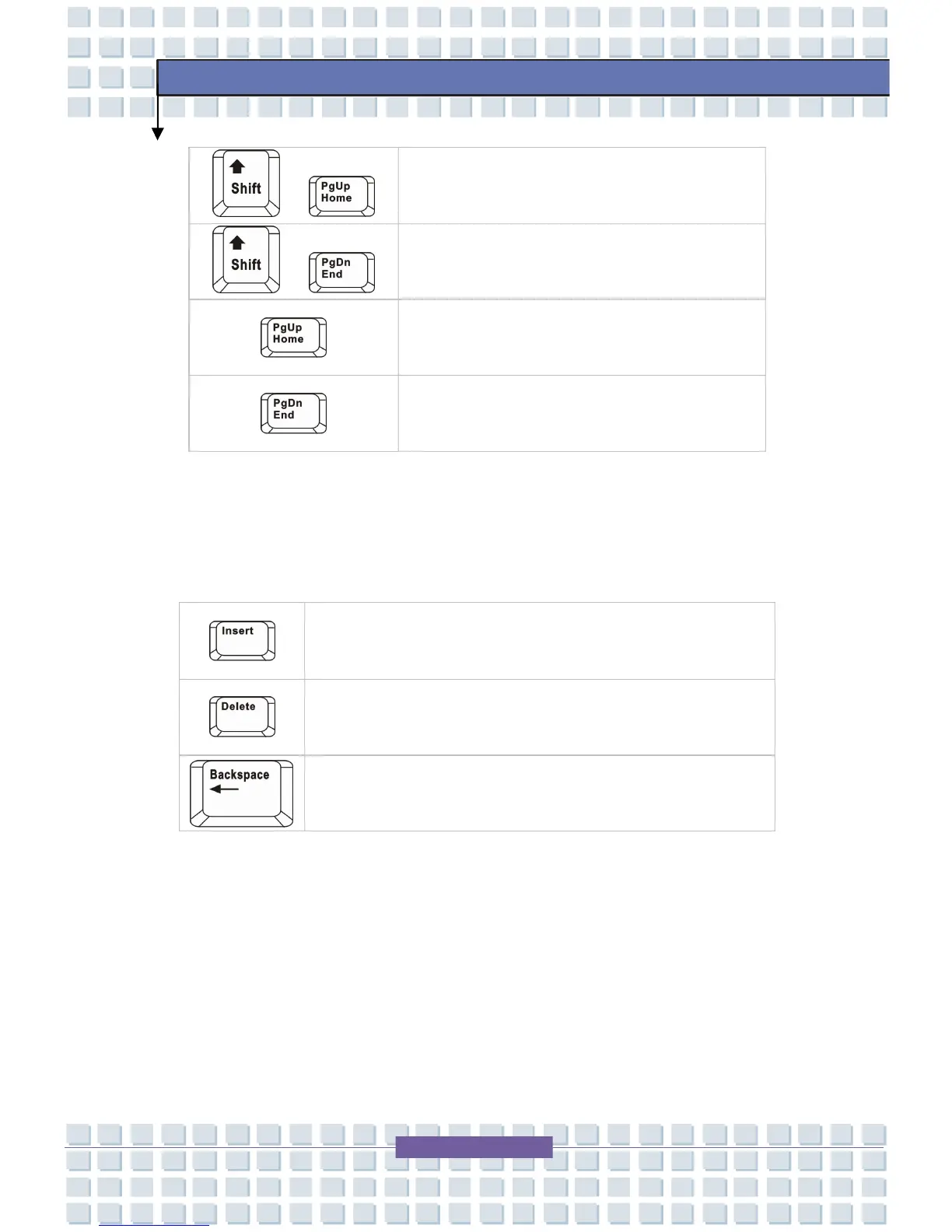
Move to the previous page.
+
Move to the next page.
Move to the beginning of the line (or
document).
Move to the end of the line (or document).
The Backspace key, [Ins] and [Del] keys at upper right corner are use for editing
purpose.
This key is used to switch the typing mode between
“insert” and “overtype” modes.
Press this key to delete one character to the right of the
cursor and move the following text left for one space.
Press this key to delete one character to the left of the
cursor and move the following text left for one space.









 To Next Page