2-4 2-5
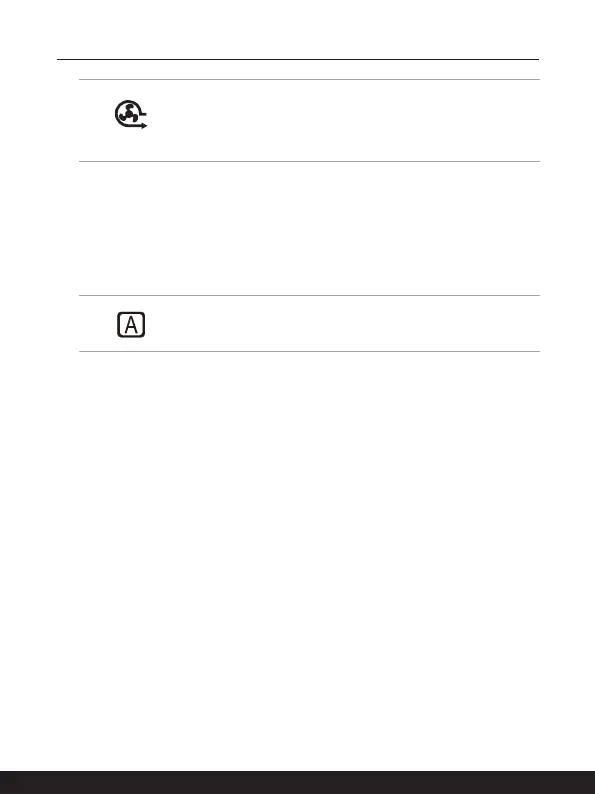
Cooler Boo
• Use this button to maximize the fan speed to cool down the
overall temperature of the notebook.
• Button LED glows when the fan speed is set to maximum
level; LED goes off when AUTO mode is selected.
3. Keyboard
The built-in keyboard provides all the functions of a notebook keyboard. Refer to How
to Use the Keyboard for details.
4. Touchpad
This is the pointing device of the notebook.
5. Status LED
Caps Lock
Glows when the Caps Lock function is activated.
6. Webcam/ Webcam LED/ Internal Microphone
• This built-in webcam can be used for picture taking, video recording or
conferencing, and so on.
• Webcam LED indicator, next to the webcam, blinks when webcam function is
activated; LED goes out when this function is turned off.
• The built-in microphone has the same functionality as an external microphone



 To Next Page