3-22
Getting Started
+
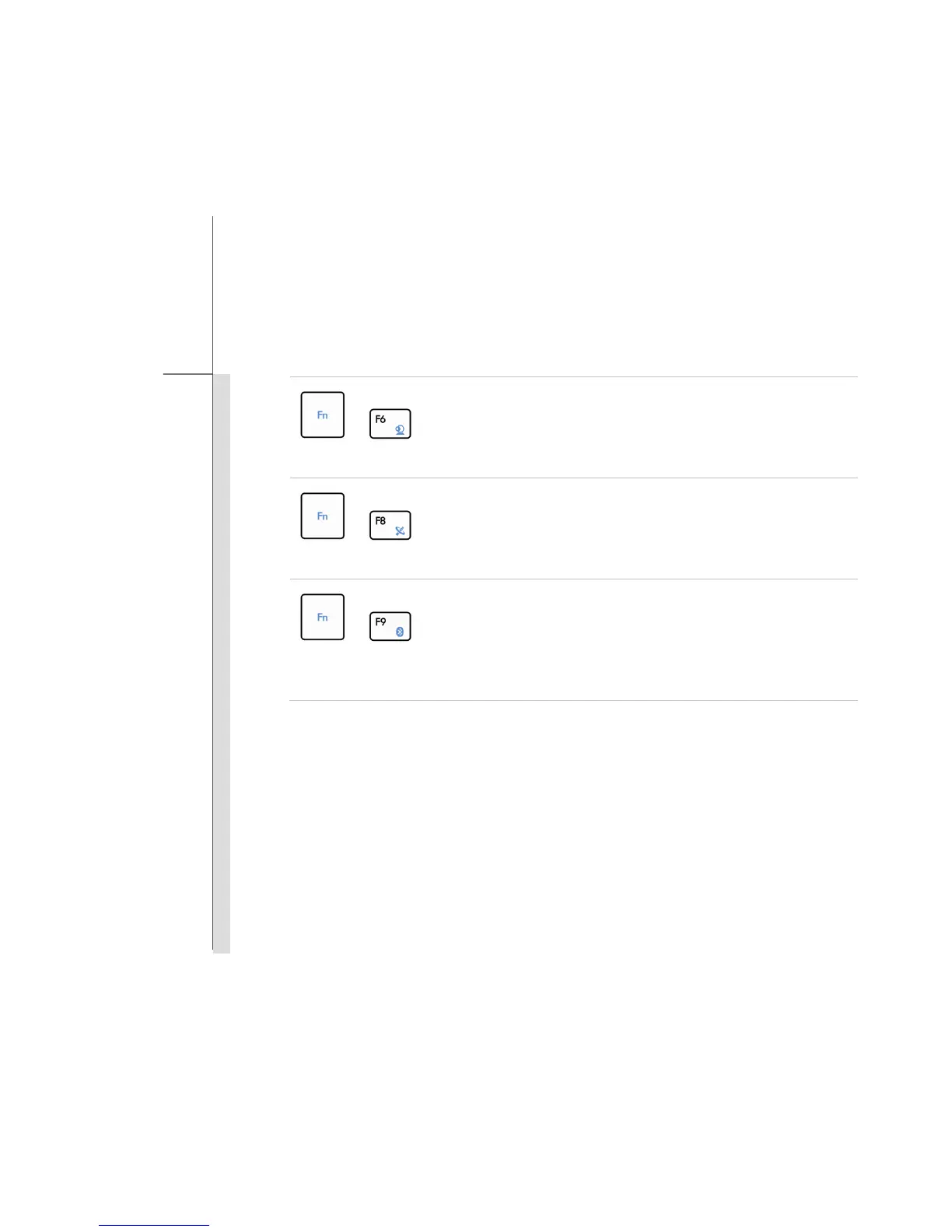
Webcam
Press and hold the Fn button, and then press the F6 button to turn
the Webcam function on. Press again to turn it off.
+
WLAN (WiFi)
Press and hold the Fn button, and then press the F8 button
repeatedly to turn the Wireless LAN (WiFi) function on or off
recurrently.
+
Bluetooth
(optional)
Press and hold the Fn button, and then press the F9 button to turn
the Bluetooth function on. Press again to turn it off.



 To Next Page