3-33
Getting Started
Connecting the External SATA Hard Disk device
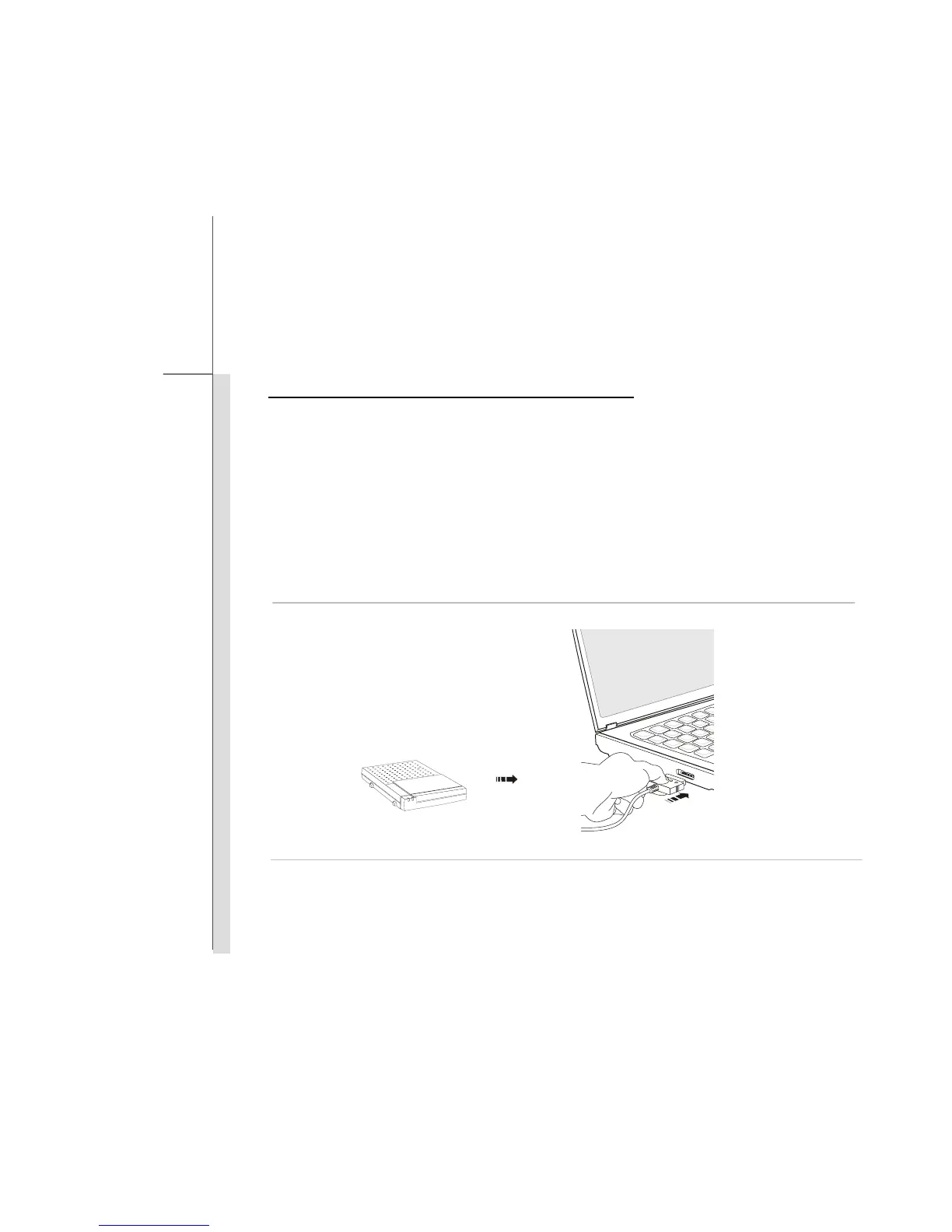
The E-SATA Connector allows you to connect an external Serial ATA hard disk device. Users can
now utilize shielded cable outside the notebook to take advantage of the benefits the SATA interface
brings to storage.
The E-SATA standard interface supports “plug-and-play” technology, so that you can connect and
remove the E-SATA devices without turning off the notebook.
To connect the E-SATA hard disk device, simply connect the cable of the device to the E-SATA
Connector of your notebook.



 To Next Page