3-8
MS-7519 Mainboard
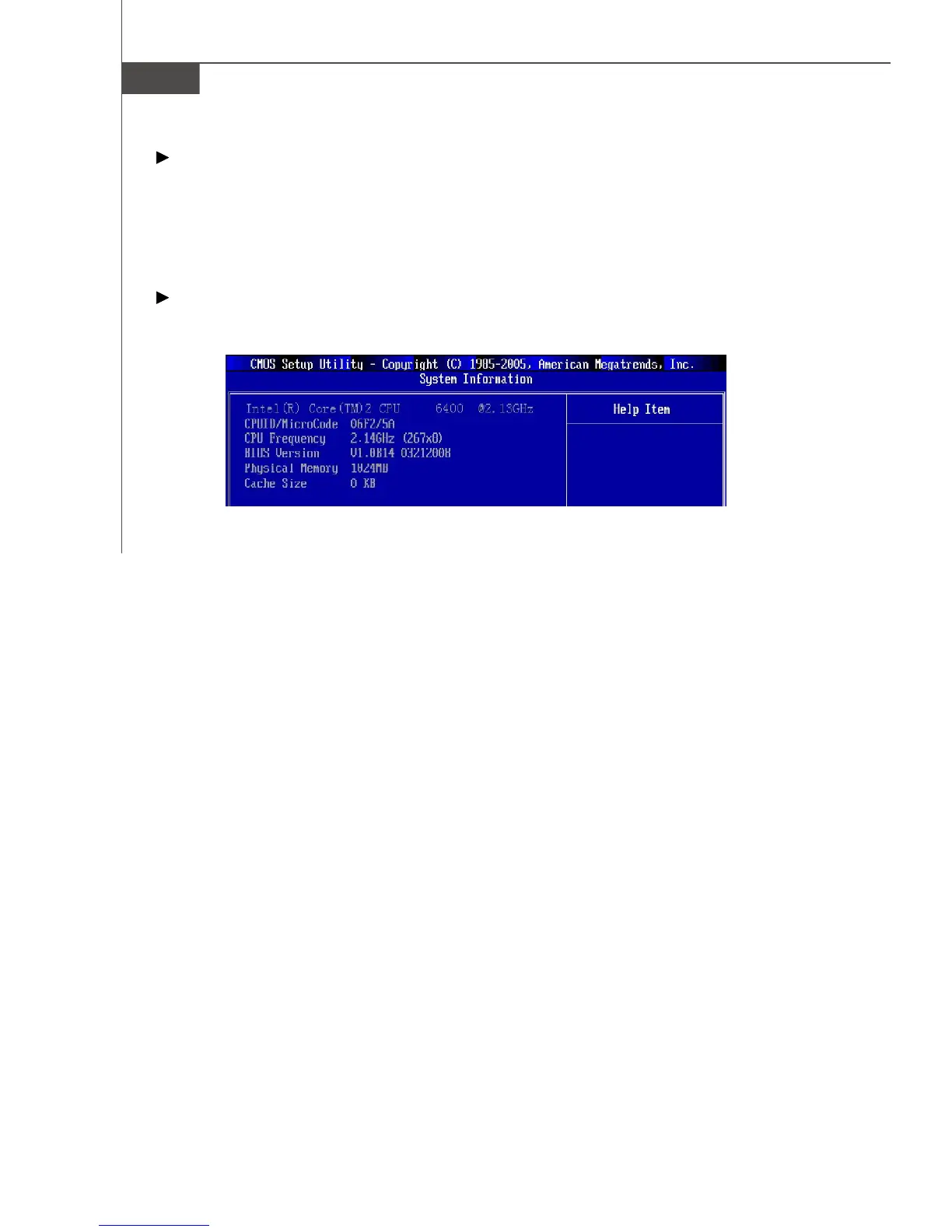
This sub-menu shows the CPU information, BIOS version and memory status of your
system (read only).
Halt On
The setting determines whether the system will stop if an error is detected at boot.
When the system stops for the errors preset, it will halt on for 15 seconds and then
automatically resume its operation. Available options are:
[All Errors] The system stops when any error is detected.
[No Errors] The system doesn’t stop for any detected error.
System Information
Press <Enter> to enter the sub-menu, and the following screen appears.
PDF created with pdfFactory Pro trial version www.pdffactory.com


 To Next Page