4
USB Connection
1. Plug the USB connector to the USB port of your computer
2. The computer will detect and install the mouse automatically
3. When the installation completes, the mouse is ready to use
System Requirements
1. Windows
®
XP/Vista/7/8/8.1/10
2. Free USB port
3. CD-ROM driver
4. 25MB free hard disk space
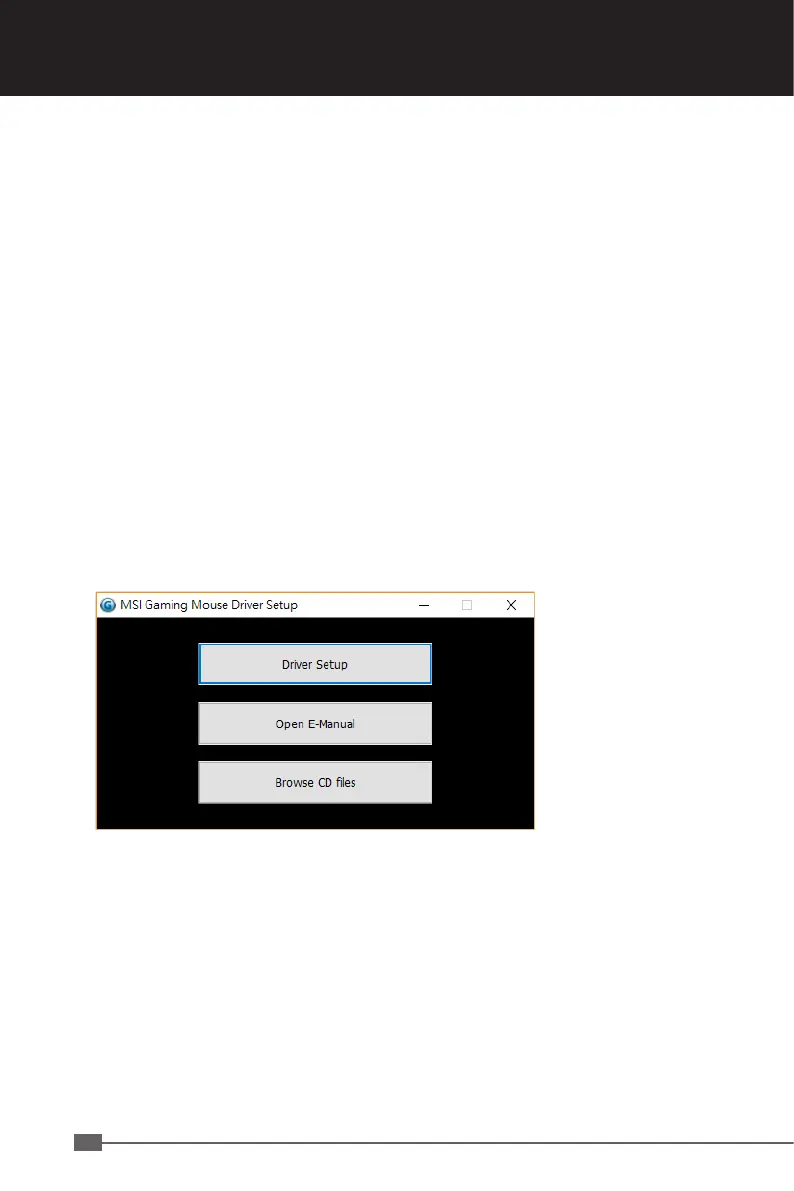
Driver Installation
1. Plug the mouse into any free USB port on your computer.
2. The system will automatically detect the gaming mouse.
3. Start the installation process by clicking on the file “Setup.exe”


 To Next Page