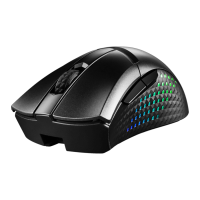
MSI GAMING MOUSE 2017
English
9
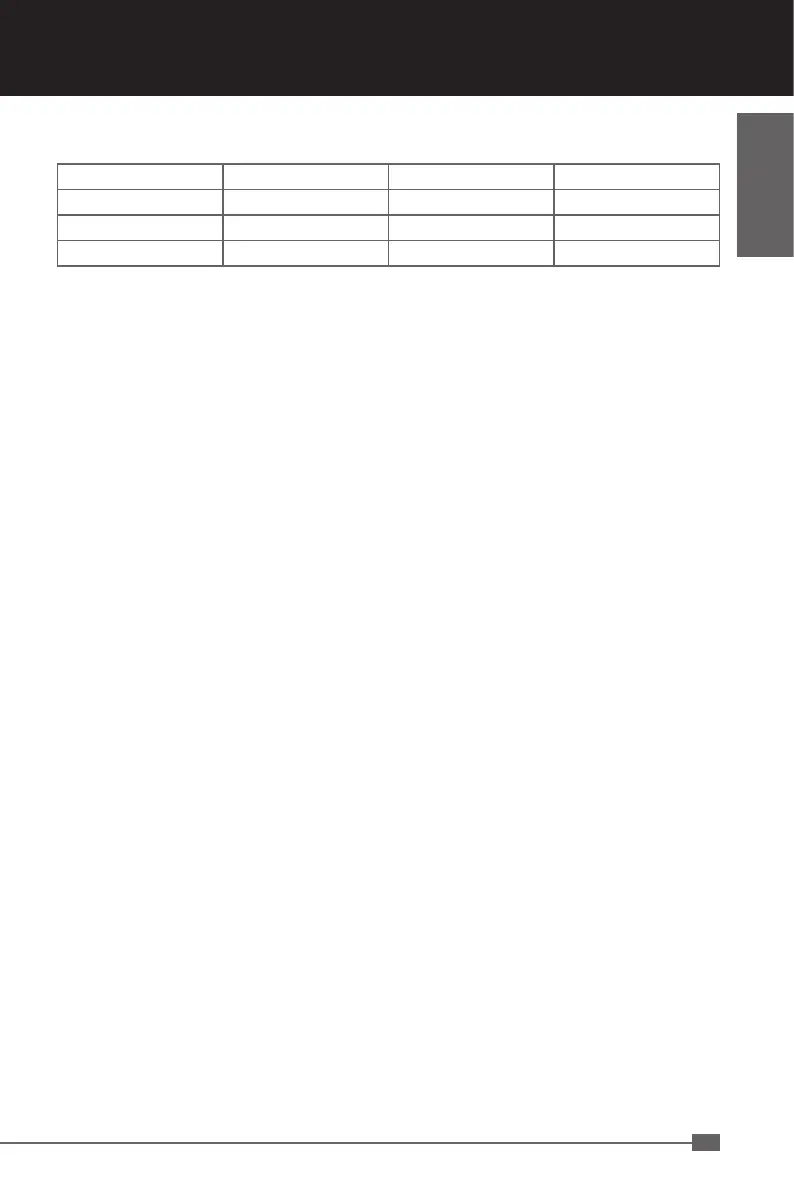
Programmable Keys
Click Menu Universal Scrolling Double Click
Assign a shortcut IE Forward IE Backward
Scroll up Scroll down Assign a launch Fire button
Smart key Windows Key Open Driver Mode Switch
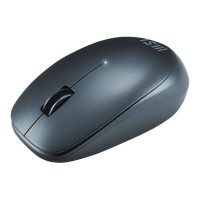
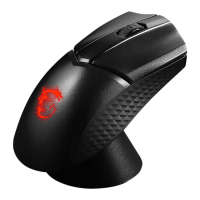
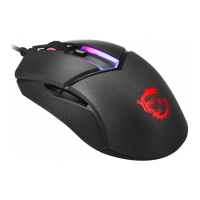
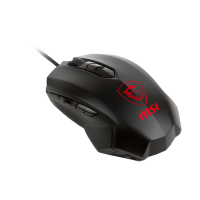
Note: Along with the left and right mouse buttons the mouse has 7 additional buttons which
can be freely assigned with the functions available in the driver menu. You’ll see the list
of functions that can be assigned when you click on the dropdown menu to the side of the
particular button.
Click: Left mouse button.
Menu: Right mouse button. The context menu will open when you point to a document
or folder using the mouse.
Universal scrolling: Mouse wheel function to scroll by moving the mouse.
Double-click: Left mouse button double click.
Assign a shortcut: A single keyboard command can be assigned to one of the mouse
buttons.
Note: Along with the left and right mouse buttons the mouse has 7 additional buttons
which can be freely assigned with the functions available in the driver menu. You’ll see
the list of functions that can be assigned when you click on the dropdown menu to the
side of the particular button.
Button off: Switches the button function off.
IE Forward: Select the next previously selected program or internet site.
IE Backward: Select the previous program or website
Scroll up: Scroll up the page you are currently viewing
Scroll down: Scroll down the page you are currently viewing
Assign a launch: Assign a launch program
Fire button: Left button twice click function
Smart key: The “Smart key” button click function: Hold pressed the “Smart key” button
and combined with any button pressing, then this button click function will continue to
auto-repeat working.
Windows Key: Windows system key
Open Driver: Open the gaming mouse AP


 To Next Page