1
< 1> Contents
Contents
Safety Information ........................................................................................... 2
Specifications ...................................................................................................3
Rear I/O Panel .................................................................................................6
LAN Port LED Status Table .................................................................................7
Overview of Components ................................................................................8
CPU Socket .........................................................................................................9
DIMM Slots ........................................................................................................10
PCI_E1~3: PCIe Expansion Slots ......................................................................10
JFP1, JFP2: Front Panel Connectors ...............................................................11
SATA1~4: SATA 6Gb/s Connectors....................................................................11
ATX_PWR1, CPU_PWR1: Power Connectors....................................................12
JAUD1: Front Audio Connector ......................................................................... 12
JUSB1: USB 2.0 Connector ...............................................................................13
JUSB2: USB 3.1 Gen1 Connector .....................................................................13
JTPM1: TPM Module Connector .......................................................................14
JCOM1: Serial Port Connector .........................................................................14
JCI1: Chassis Intrusion Connector ...................................................................15
CPU_FAN1, SYS_FAN1: Fan Connectors ..........................................................16
JBAT1: Clear CMOS (Reset BIOS) Jumper .......................................................17
EZ Debug LED ...................................................................................................17
BIOS Setup ..................................................................................................... 18
Entering BIOS Setup .........................................................................................18
Resetting BIOS ..................................................................................................19
Updating BIOS ...................................................................................................19
Software Description .....................................................................................20
Installing Windows
®
10 .....................................................................................20
Installing Drivers ..............................................................................................20
Installing Utilities ..............................................................................................20
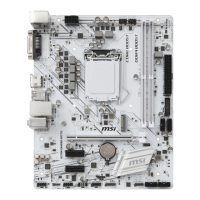
Thank you for purchasing the MSI
®
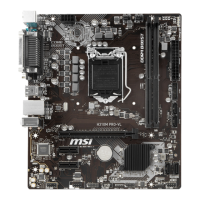
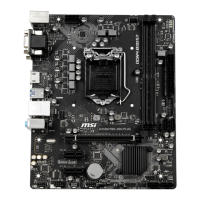
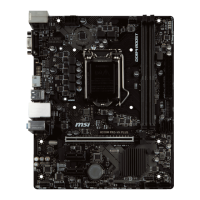
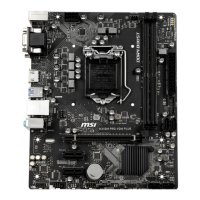
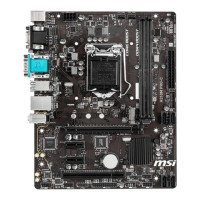
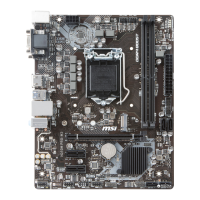
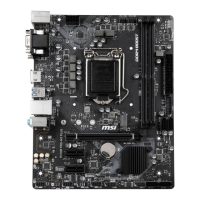
H310M PRO-VH/ H310M
PRO-VD/ H310M PRO-D/ H310M NANO/ H310M WIND/
H310M FIRE motherboard. This User Guide gives informa-
tion about board layout, component overview, BIOS setup
and software installation.

 Need help?
 General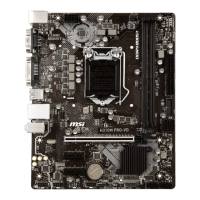


 To Next Page