

 Need help?
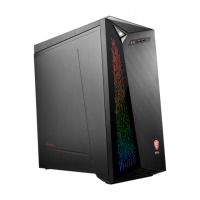
Do you have a question about the MSI Infinite X and is the answer not in the manual?
Details on component upgrades, warranty services, and obtaining spare parts.
Guidance on technical assistance and environmentally friendly product features.
Product recycling guidelines and battery disposal instructions.
Information on chemical substances, referencing EU REACH Regulation.
Statements regarding CE conformity, FCC interference, WEEE, and RoHS compliance.
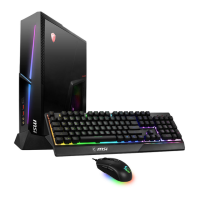
Welcome to the PC and a list of items included in the package.
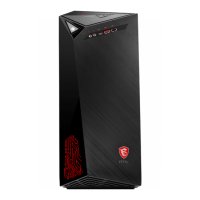
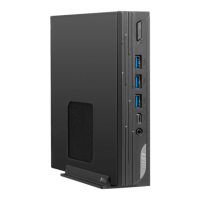
Identifies ports and components on the front and rear of the computer.
Guidance on ergonomic setup and safe usage practices for the PC.
Step-by-step instructions for connecting and disconnecting the AC power cord.
Instructions on how to turn on the computer system using the power button.
Explains power saving options in Windows 10 and ENERGY STAR monitors.
Steps for setting up wired and wireless network connections in Windows 10.
Details on system recovery using Windows 10 features and F3 hotkey.
Instructions for resetting the PC, with options to keep or remove personal files.






 To Next Page
 General