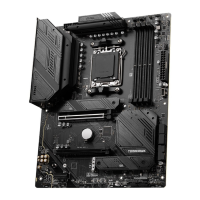
To Next PageTo Next Page
 Need help?
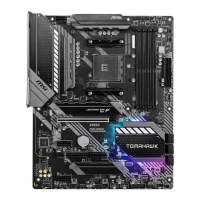
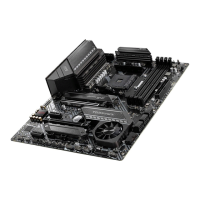
Do you have a question about the MSI MAG X570 TOMAHAWK WIFI and is the answer not in the manual?
 General
| Brand | MSI |
|---|---|
| Model | MAG X570 TOMAHAWK WIFI |
| Category | Motherboard |
| Language | English |
Lists the essential tools and components required for computer assembly.
Details the AM4 CPU socket and installation guidance.
Explains DDR4 memory slot configuration and installation recommendations.
Describes PCIe slot types, speeds, and compatibility.
Information on M.2 slot specifications and installation.
Explains motherboard power connector types and pin assignments.
Instructions for clearing CMOS and resetting BIOS settings.
Explains the motherboard's debug LEDs for troubleshooting boot issues.
Step-by-step guide for installing the Windows 10 operating system.
Instructions for installing necessary hardware drivers.
Guidance on installing system utility software.
How to access the BIOS/UEFI setup utility during boot.
Methods for resetting BIOS settings to default values.
Procedures for updating the motherboard's BIOS firmware.
Configuration options for system parameters and peripherals.
Settings for CPU and memory overclocking and performance tuning.
Utility for updating BIOS via a USB flash drive.
Guide to creating RAID arrays using available disks.
Installing RAID drivers during OS setup.
Solutions for issues where the system does not power up.
Steps to resolve no display output issues.
Troubleshooting steps for boot failures after BIOS updates.