37
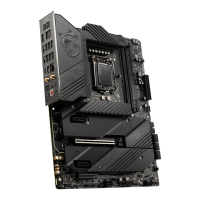
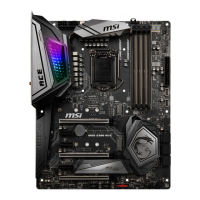
Installing M.2 module into M2_2 & M2_3 slots
1. Loosen the screws of M.2 Shield Frozr heatsink.
2. Lift the M.2 Shield Frozr heatsink up and remove it.
11
11
22
3. Remove the protective films from the M.2 thermal pads on the M.2 plate.
33
4. If you install 2260 SSD, remove the screw from the M.2 plate and then install
supplied EZ M.2 Clip kit on the M.2 plate. Skip this step if you install 2280 SSD.
44


 To Next Page
 Loading...