11
Insert the software CD into your CD-ROM drive, and the Setup
program should launch automatically.
If the Autorun program doesn’t launch automatically, click Start
at the taskbar and select Run.... Type E:\setup.exe (where E is
your CD-drive) in the Open box and click OK to launch the
Setup program manually.
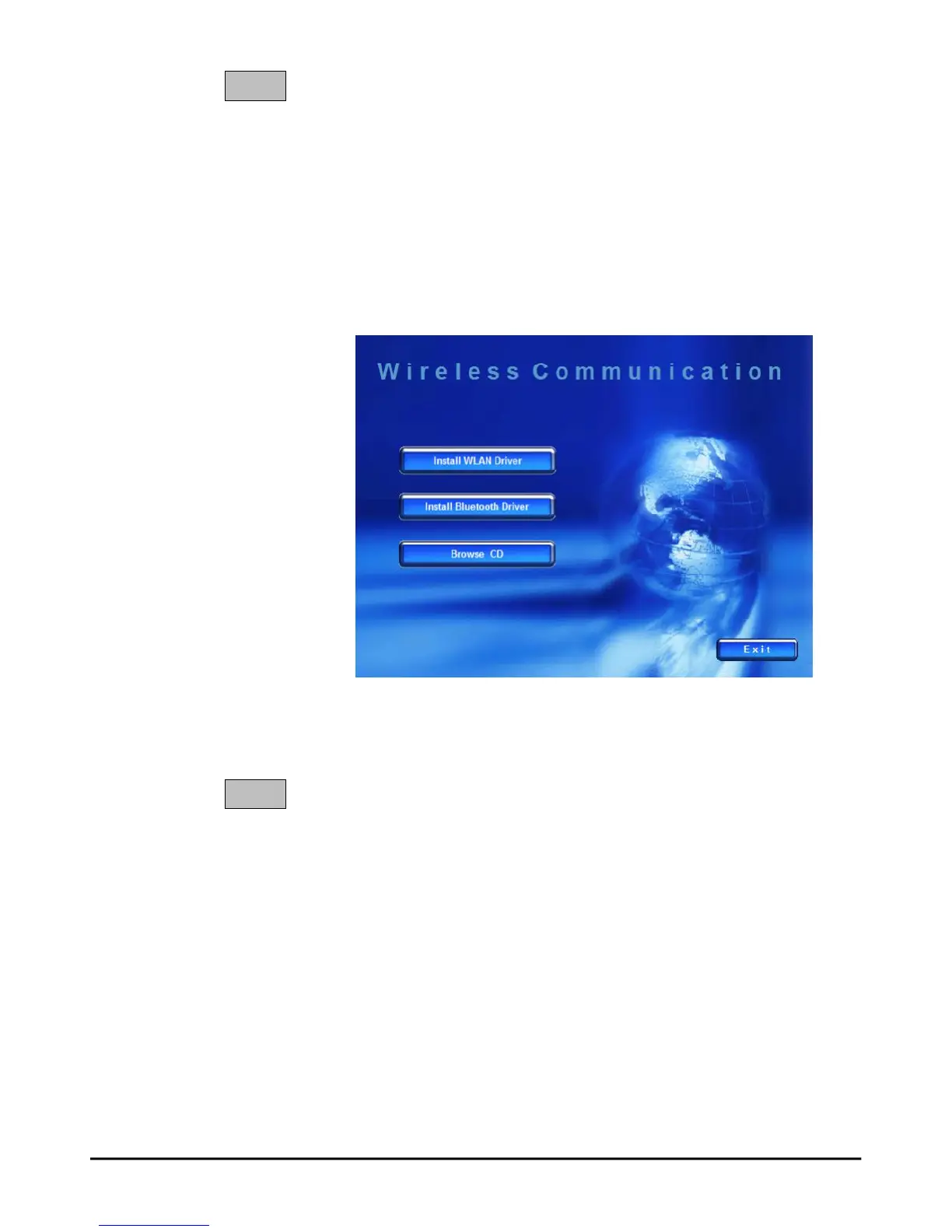
The main screen of Setup program will appear as below.
1. Click the Install WLAN Driver button.
2. The welcome screen of InstallShield Wizard appears.
Click Next.
3. Read and accept the License Agreement; then, click Next.
4. Click Install and the program will copy the necessary
files to the system. The progress indicator shows the
installing status.
5. Click Finish when the WLAN driver installation is
completed.
STEP
1
STEP
2
PDF created with pdfFactory Pro trial version www.pdffactory.com



 To Next Page