10
Software Installation
This chapter describes the procedures of installing the driver
and utility. Follow the instruction step by step to finish the
installation. If you use Windows
®
98SE/ME, please prepare
the Windows
®
Setup CD at hand before installing the driver;
because the system will ask you to insert the Setup CD to copy
files during the installation.
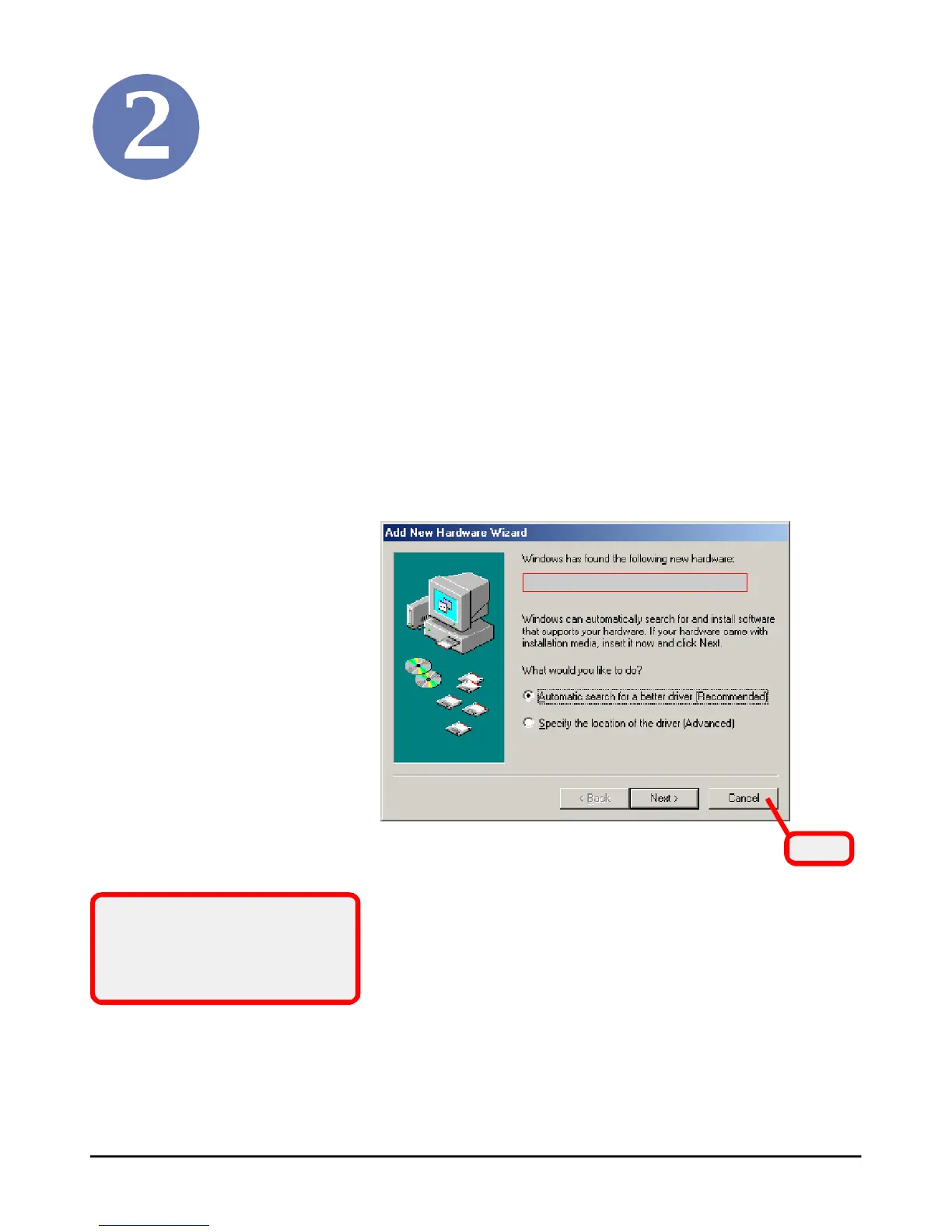
Please NOTE that the MS-3871 should be installed into your
computer before installing the driver and utility. Then, the
operating system will detect a new device and start to configure
the new device. Click Cancel here to start installation from the
InstallShield Wizard.
Click
Tip: The MS-3871 adapter
should be installed into your PC
before installing the driver and
utility.
The adapter model you installed
PDF created with pdfFactory Pro trial version www.pdffactory.com



 To Next Page