selected music will be fast forward/backward, during
the music play if press the pause key, the music will be
paused.
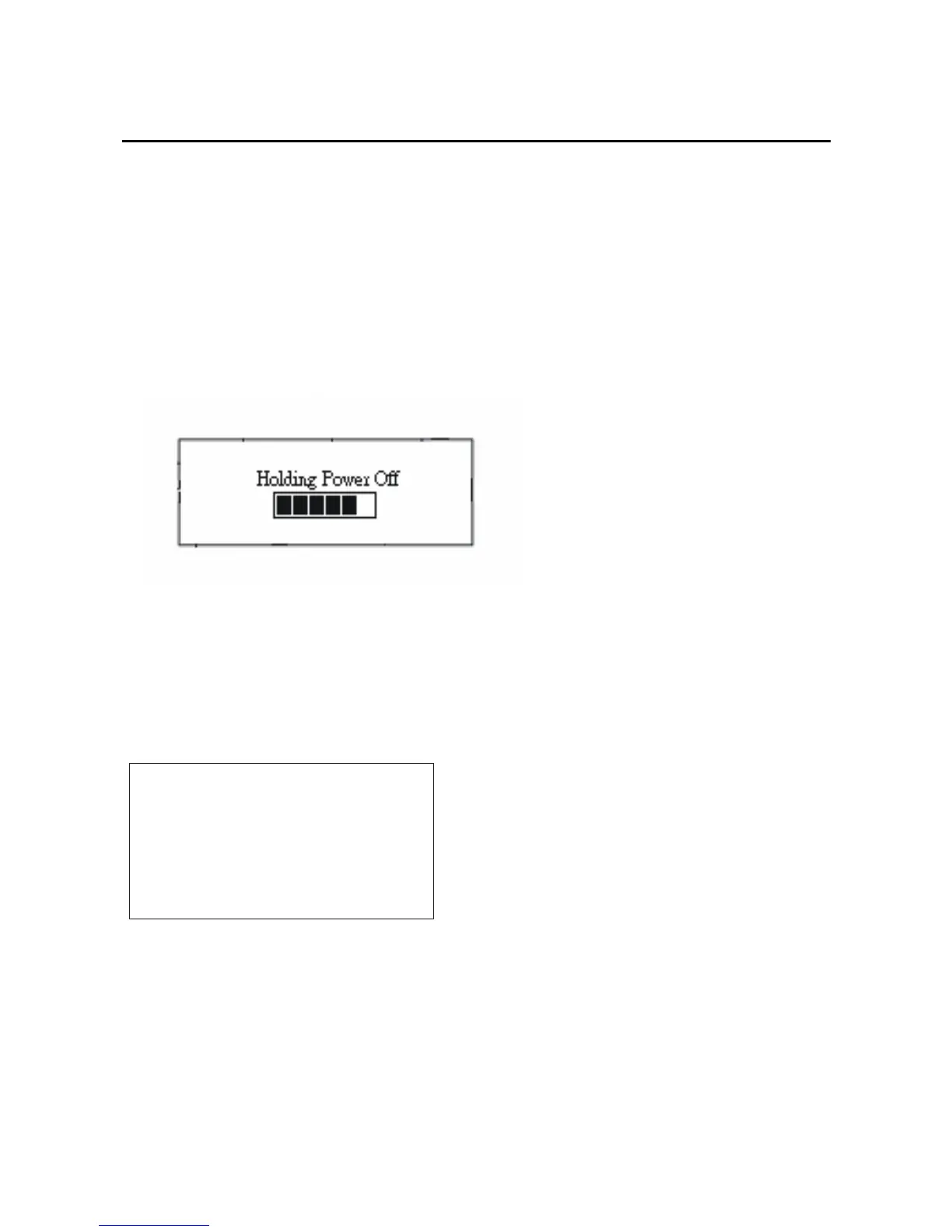
If you long press stop key to turn off the power the LCD
will show as below:
When you press the stop key more than 3 seconds until
the LCD showed “Bye Bye!!” that indicates you have
turned off the player safely, the picture as below:
ByeBye!!
Lock key function:
Push the HOLD key, the LCD Will show “Locked”. In
10



 To Next Page