Hello!!
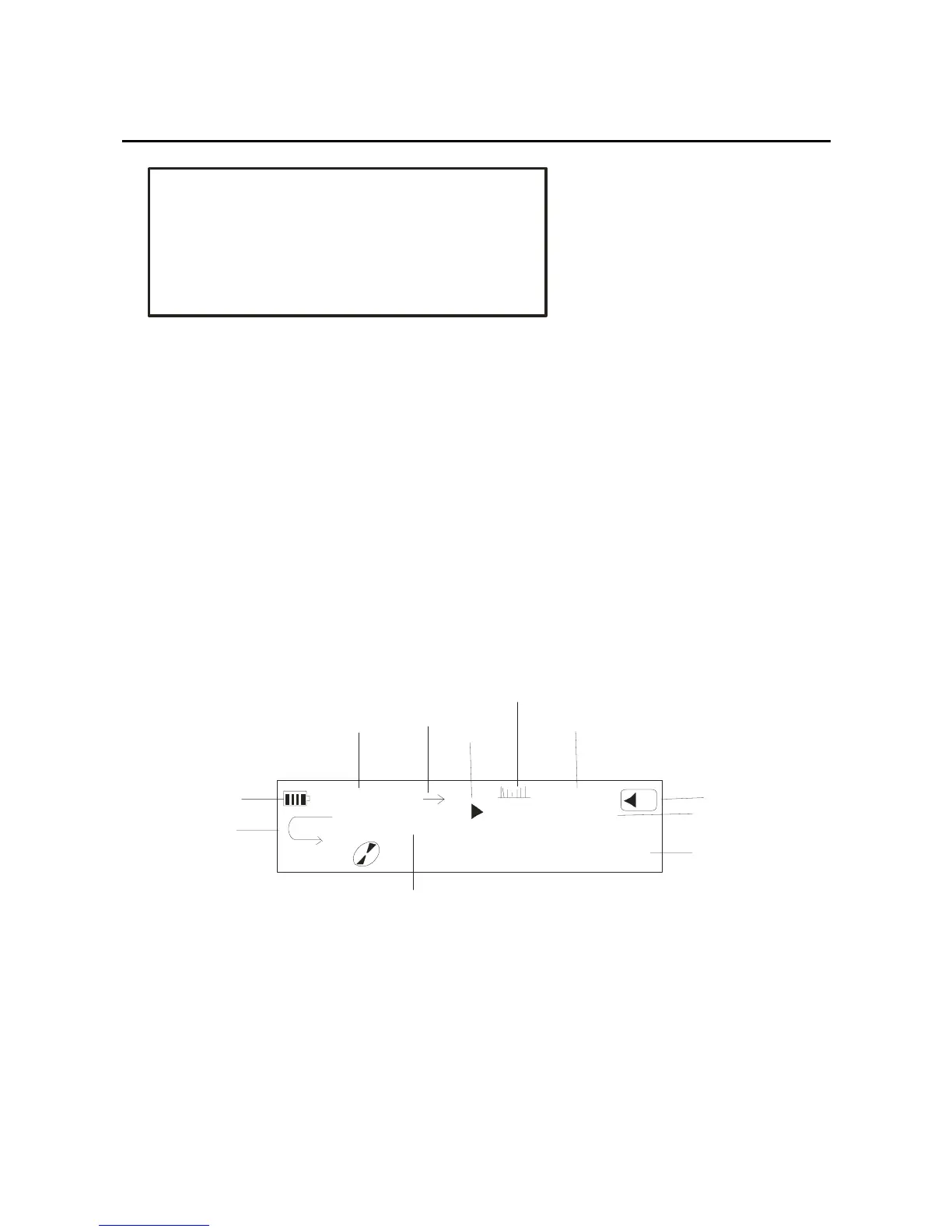
You can press the play key for a few seconds, and if there
are music files in the player, you will see the interface
below: music item, play time, bit rate, name of the
music playing. Press the mode key again, and then
begin to play. The LCD showed as:
Title:t ake m e to your heart .mp3
00:00
A
B
NOR
05:40
06/09
14
128
ALL 1
MP3
B atter y le ve l
ID 3 Display
Son g c o unt er
Repeat mode
Spect rum sta tus
Play status
Play t ime
Vol ume
Bit rate
Re peat m ode
Music time
If you want to select the Forward/Back music, please
press the Forward/Back key. In the music play mode,
press the Forward/Back key for a long time, the
9



 To Next Page