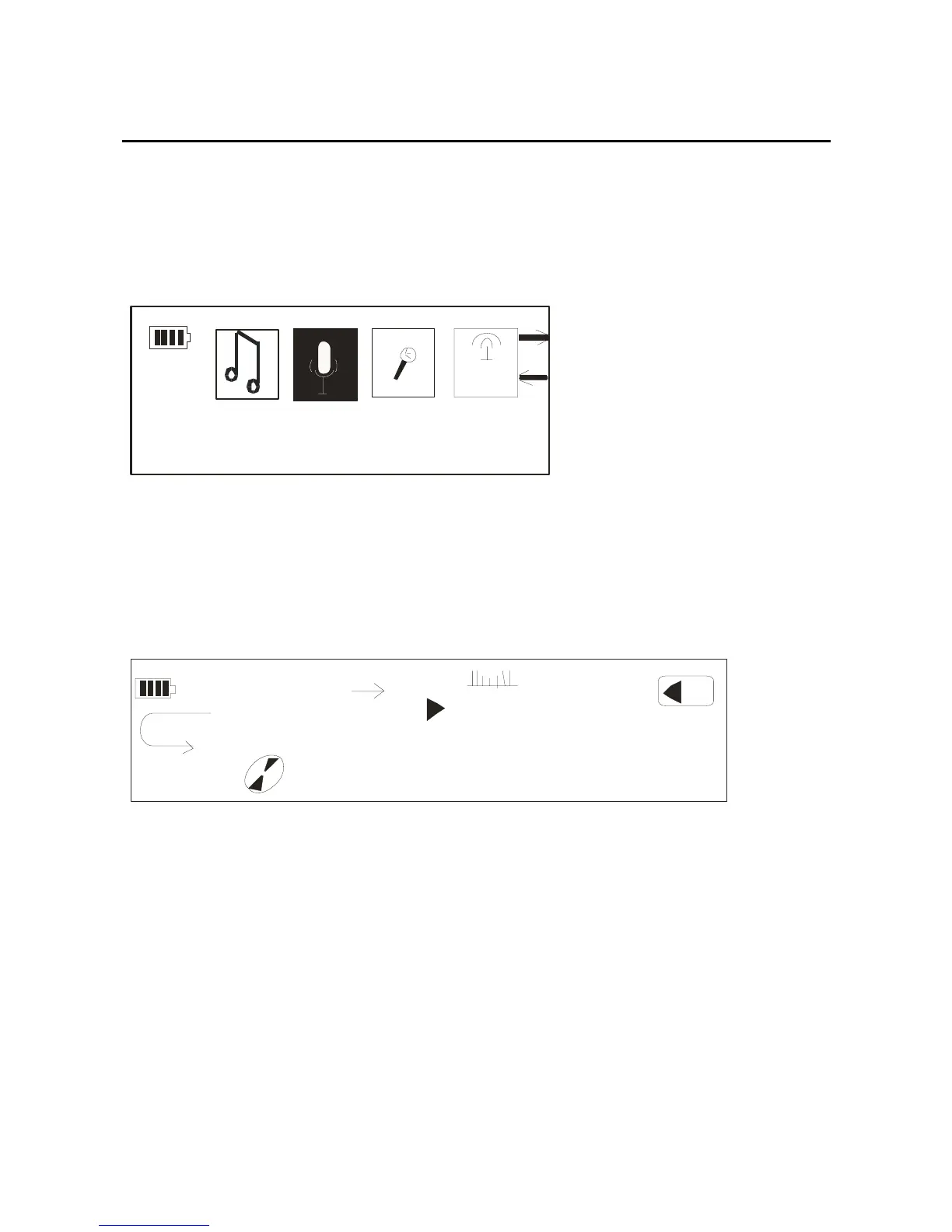
At any state, long press the mode key, and then select the
“Play Voice” option through the forward/back key,
picture as below:
FM
Pl a y Vo i ce
Press the mode key to confirm, and it can play recorded
files:
00:00
A
B
NOR
05:40
06/09
14
128
ALL1
WAV
Title:Take me to your heart.wav
Record
At any state, long press the mode key, select the
“record”option through the forward/back key then
confirm it by pressing the mode key, you will get into the
record interface, the picture as below:
14



 To Next Page