15
FM
Record
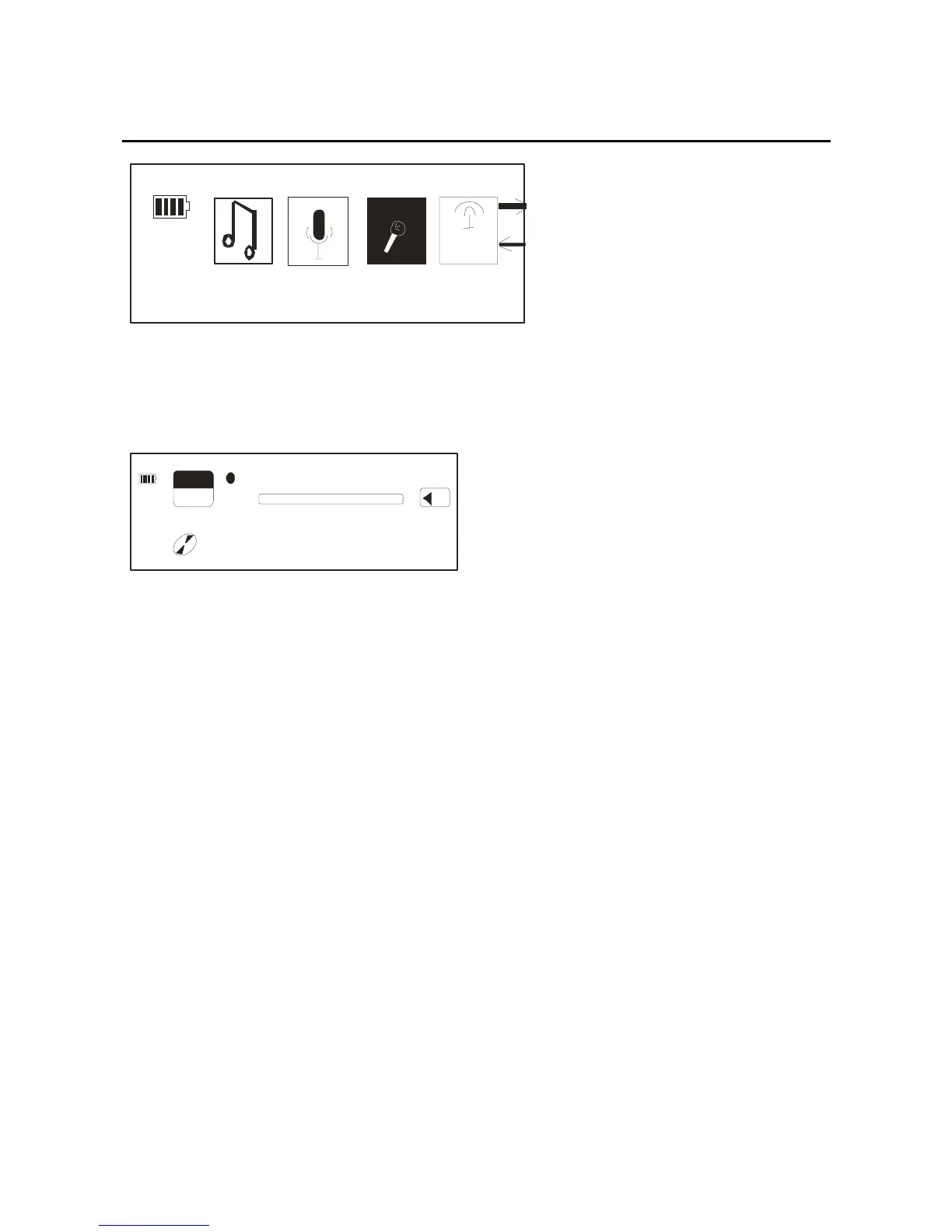
In the record interface, press mode key and begin record.
The record interface picture as below:
T
14
MIC00001.WAV
FREE
REC
03 2
00:09:43
Press the mode key again, then the record will be stopped,
and there will be a MIC_REC file in the player which
keeps record files.
Note: The record can only be saved as record files if the
record be confirmed by pressing the mode key, so, please
affirm whether the electricity of the battery is enough or
the player will shut off by itself, and the record files can
not be saved.
FM Tuner
At any state, long press the mode key, through the



 To Next Page