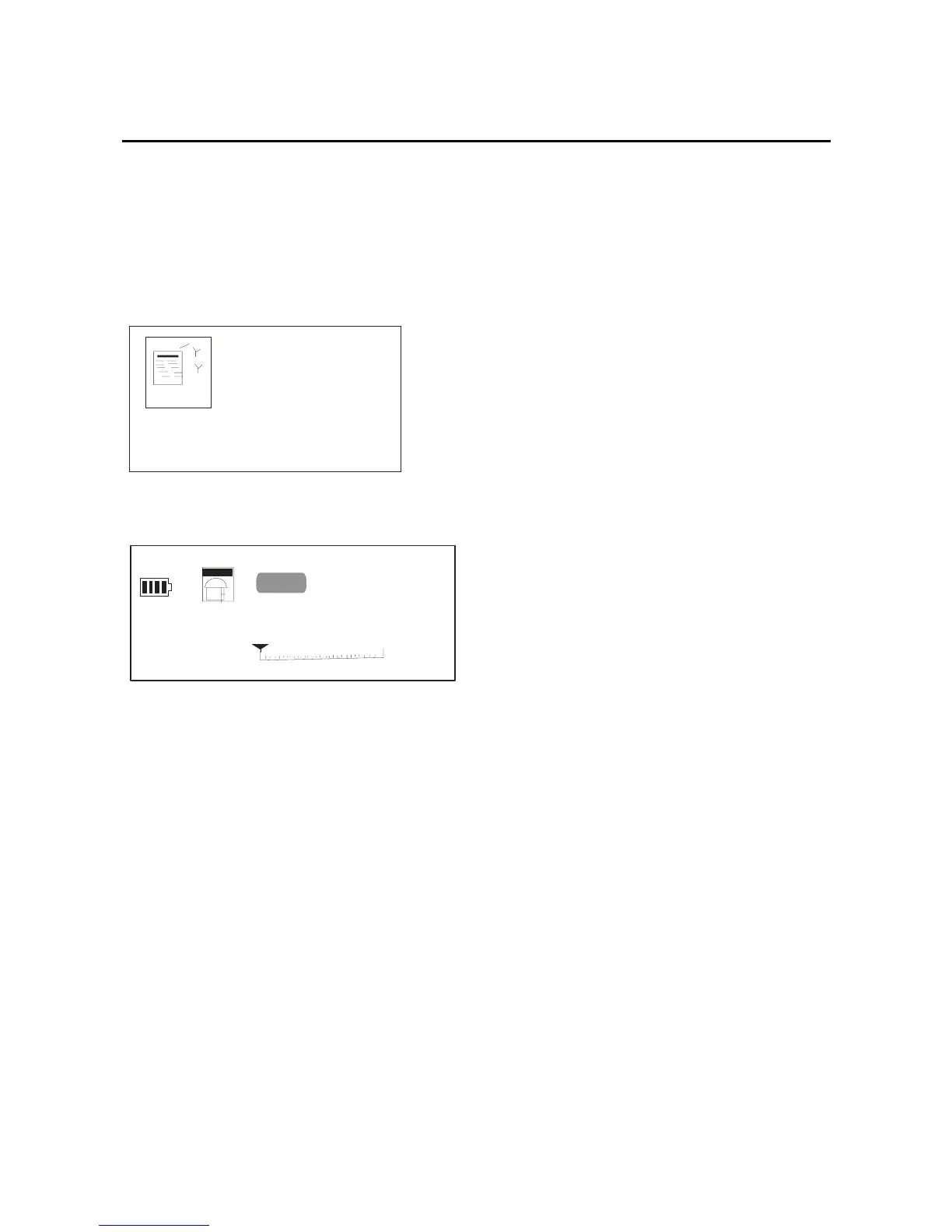
forward/back key; you can select the “FM Tuner” option,
and then confirm it by pressing the mode key, the picture
will show as below:
FM RADIO
After a short while it will get into below picture:
01/30
PR ESET
87.5MHZ
87.5
108
You can press the play key, and then adjust the FM
through the forward/back key. Long Press the mode key,
you will get into the “FM tuner”option. Press the
forward/back key again, you can get below option: play
music, Play voice, save station, delete station, auto scan,
record and exit. .
Play Music
16



 To Next Page