If you do not want to change the setting, you can press
the play key and exit the menu.
Play mode
If you want to repeat listen to a song, you need get into
the play mode, you can select: Normal, Repeat One,
Repeat All, Shuffle.
Details as below:
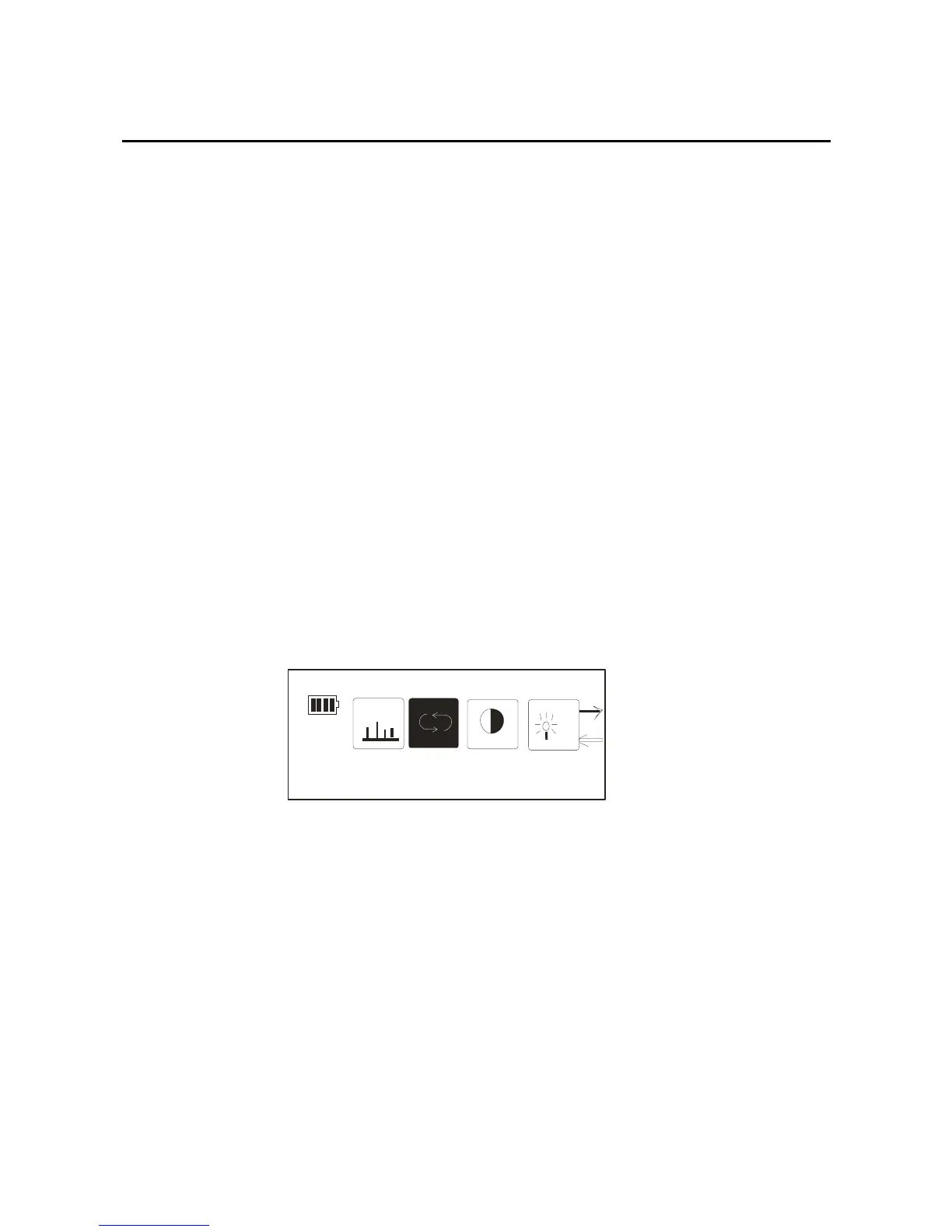
1. After you get into the setting option, select the “Play
Mode” option, then press the mode key again, the picture
as below:
EQ
Play Mode
2. In the repeat mode, through the forward/back key,
select the different mode you need, and confirmed by
press the mode key:
25



 To Next Page