S
A
1
Nor mal
Adjust the contrast
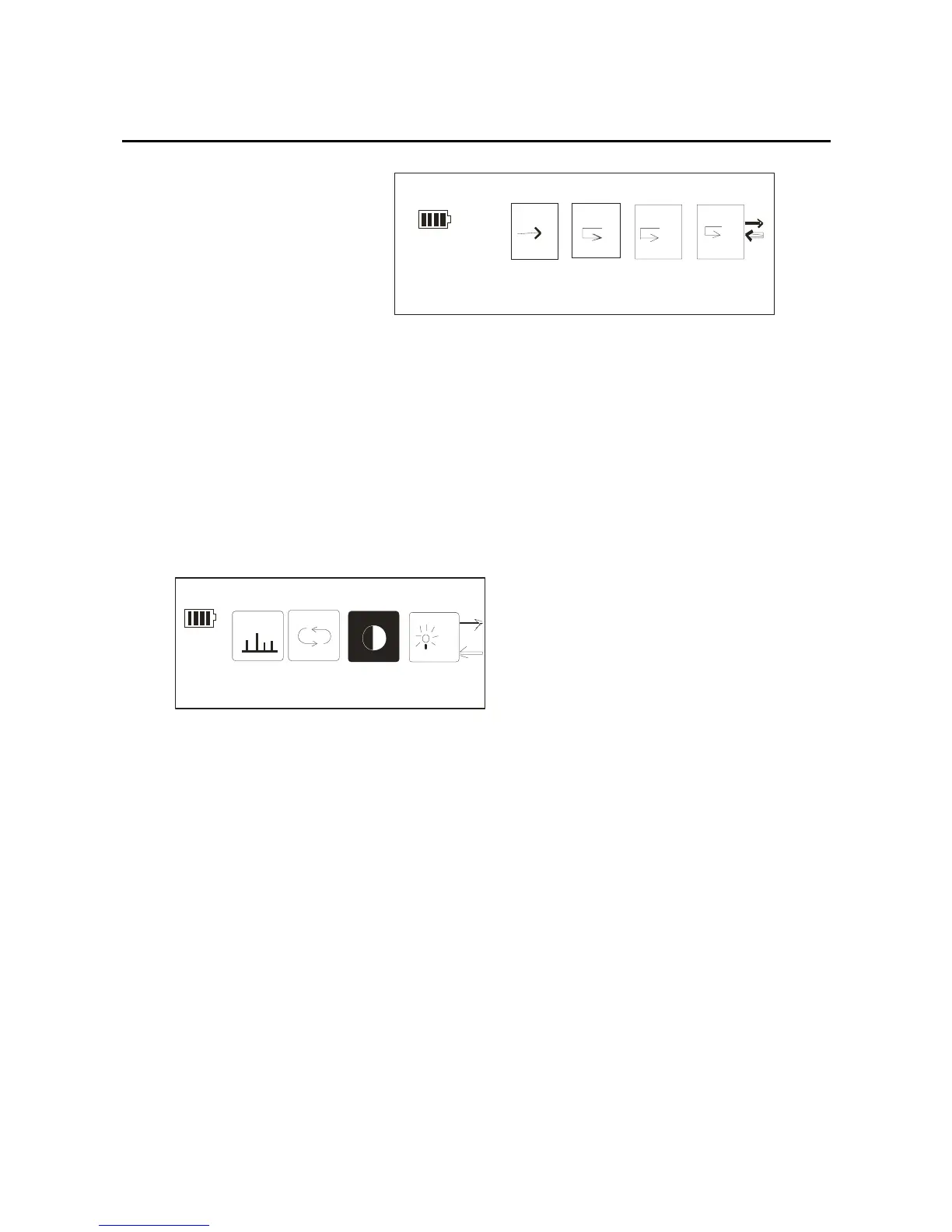
1. After getting into the setting mode, through the
forward/back key to select the contrast setting, and then
confirm it by pressing the mode key, the picture:
EQ
Contrast
2.
In the contrast mode, through the forward/back key,
you can adjust the contrast level. The level is different
in four ranks, example picture as below:
26



 To Next Page