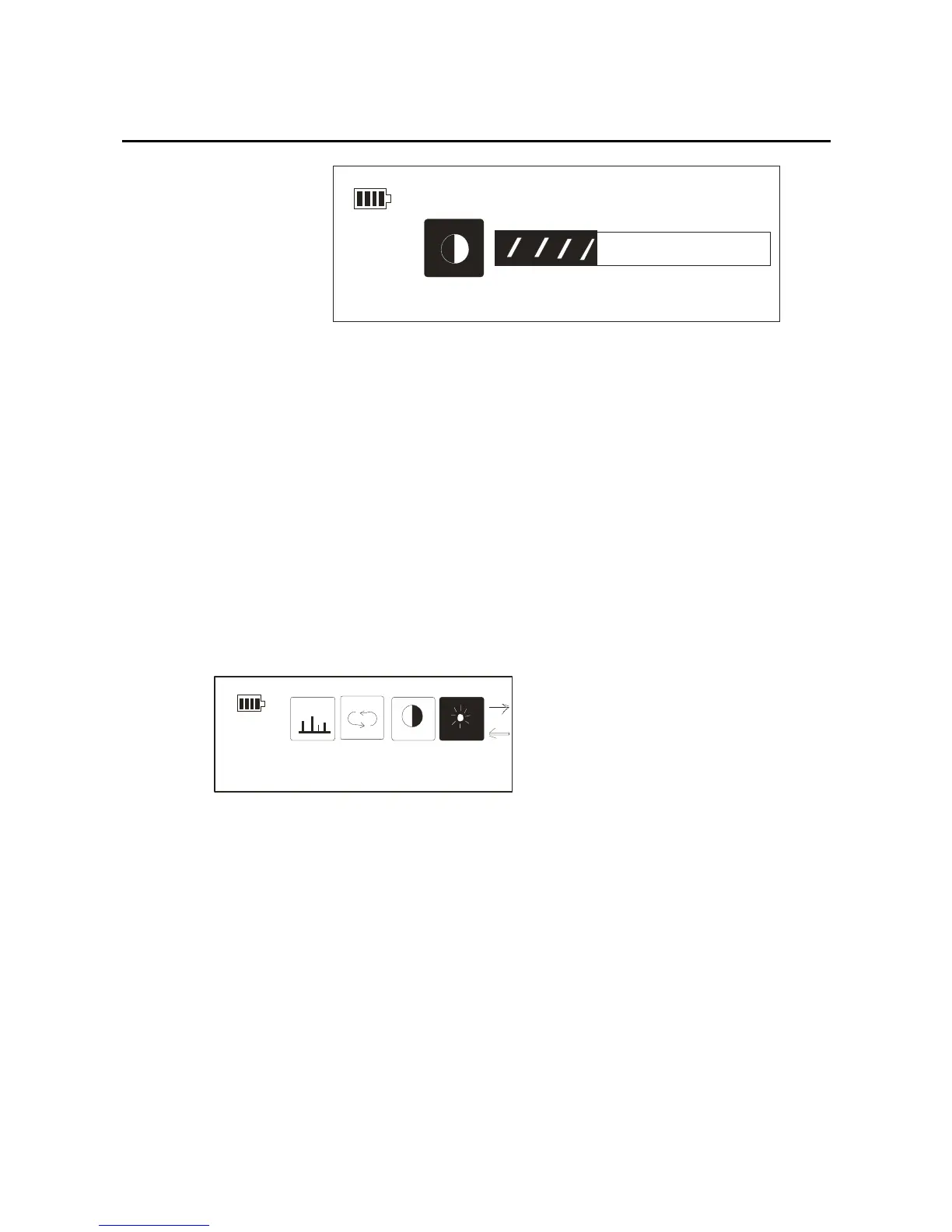
Contrast
Backlight setting
You can set the backlight time according to your need:
1.After getting into the setting mode, through the
forward/back key and select the “backlight setting”, the
picture as below:
EQ
Backlight
2.You can shut off the backlight through the
forward/back key, you also can choose the backlight on
for 5 seconds,10 seconds ,and constant. Confirm your
choice by pressing the mode key, the picture as below:
27



 To Next Page