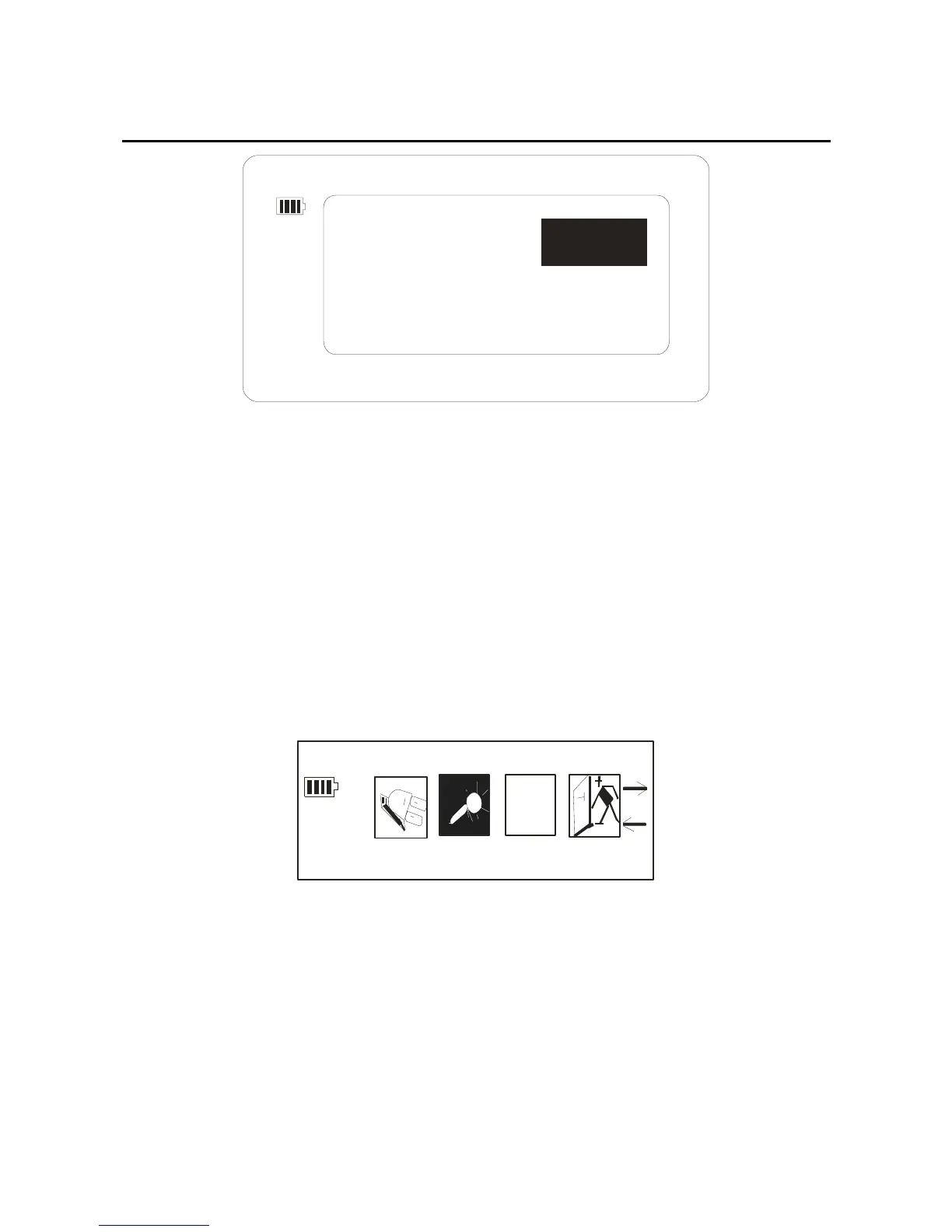
DISABLE
10MIN 30MIN
2MIN
Through the forward/back key again, you can select the
time the player will be turned off.
Record set.
1. After getting into the setting mode, through the
forward/back key to select the “Record set”, the picture
as below:
A
b
c
Re cord Set
2.When you get into the “Record Set” option, through
the forward/back key, you can select: 32kbps, 44kbps,
64kbps, and 88kbps. The picture as below:
29



 To Next Page