8000HZ
11000HZ
Confirm the selected option by pressing the mode key
that you have done what you need.
Language
1
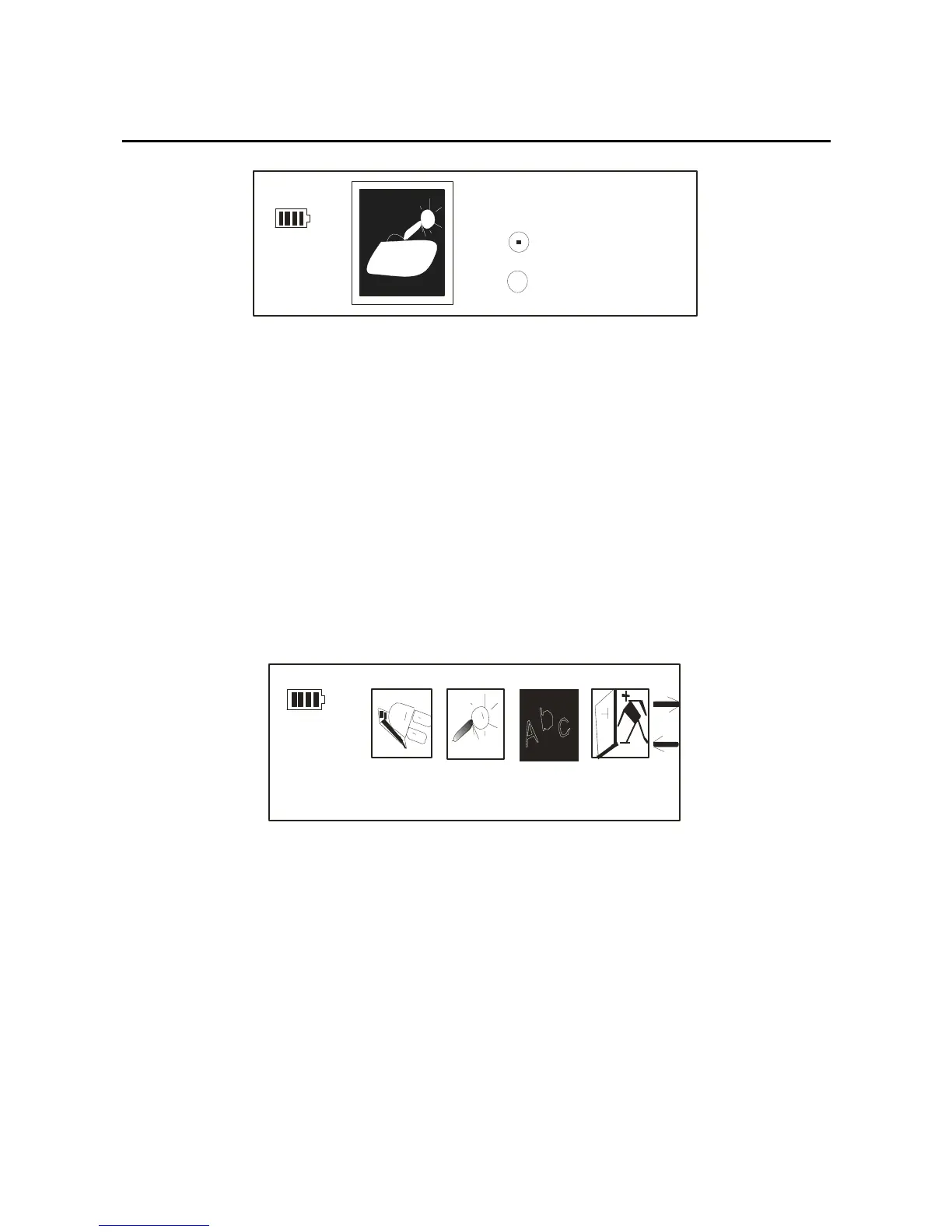
.After getting into the setting mode, through the
forward/back key to select the language setting, the
picture as below:
Langua ge
2.When you get into the “language” option, through the
forward/back key, you can see such as: English, French,
Chinese (Trad), Chinese (Simple), German, Spanish,
Italian, Portuguese. Press the mode key, you’ll get the
30



 To Next Page