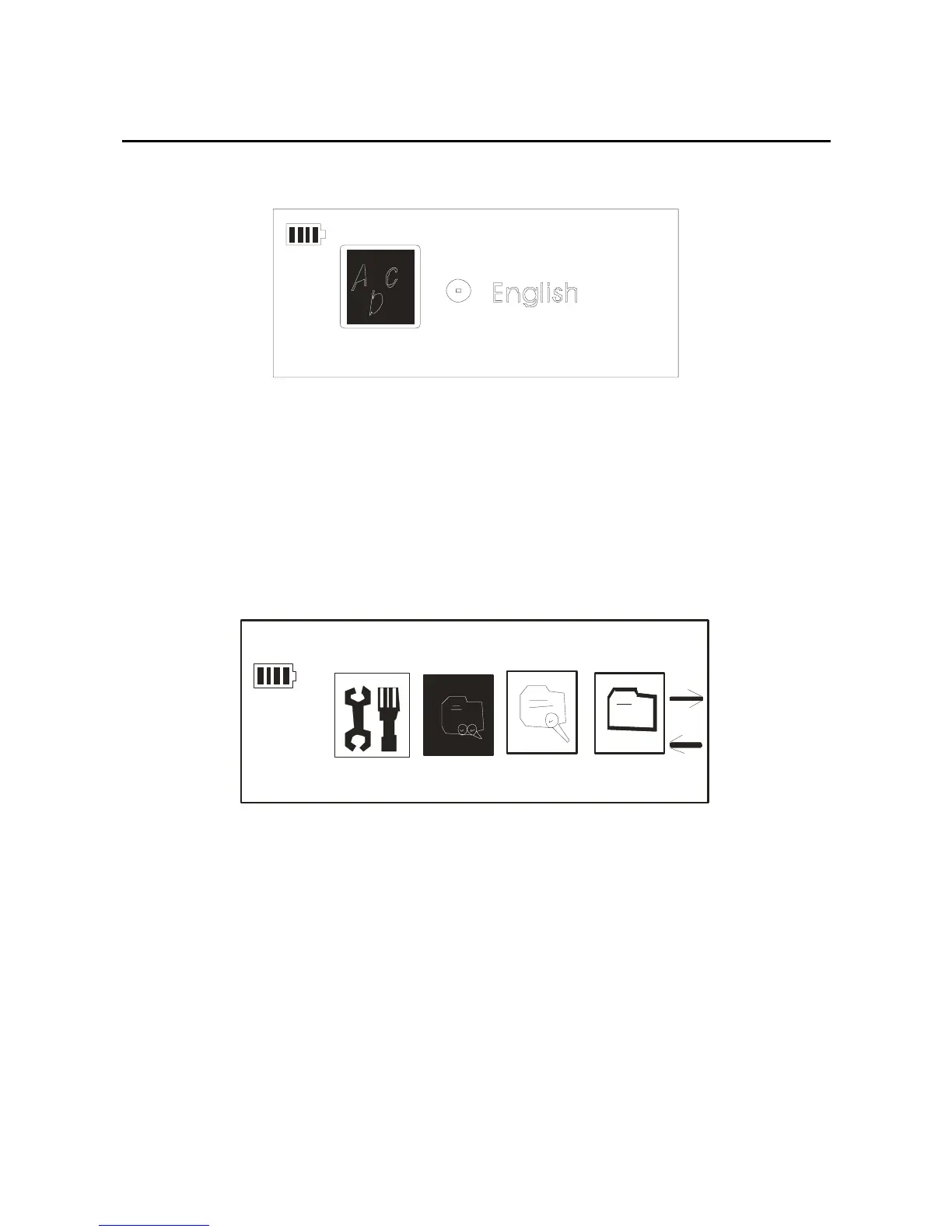
language which you need. The picture as below:
Preview
1. In any state, long press the mode key, through the
forward/back key you will get the “Preview” option, the
picture as below:
Preview
2. Confirm it by press the mode key, you can see the
picture as below:
31



 To Next Page