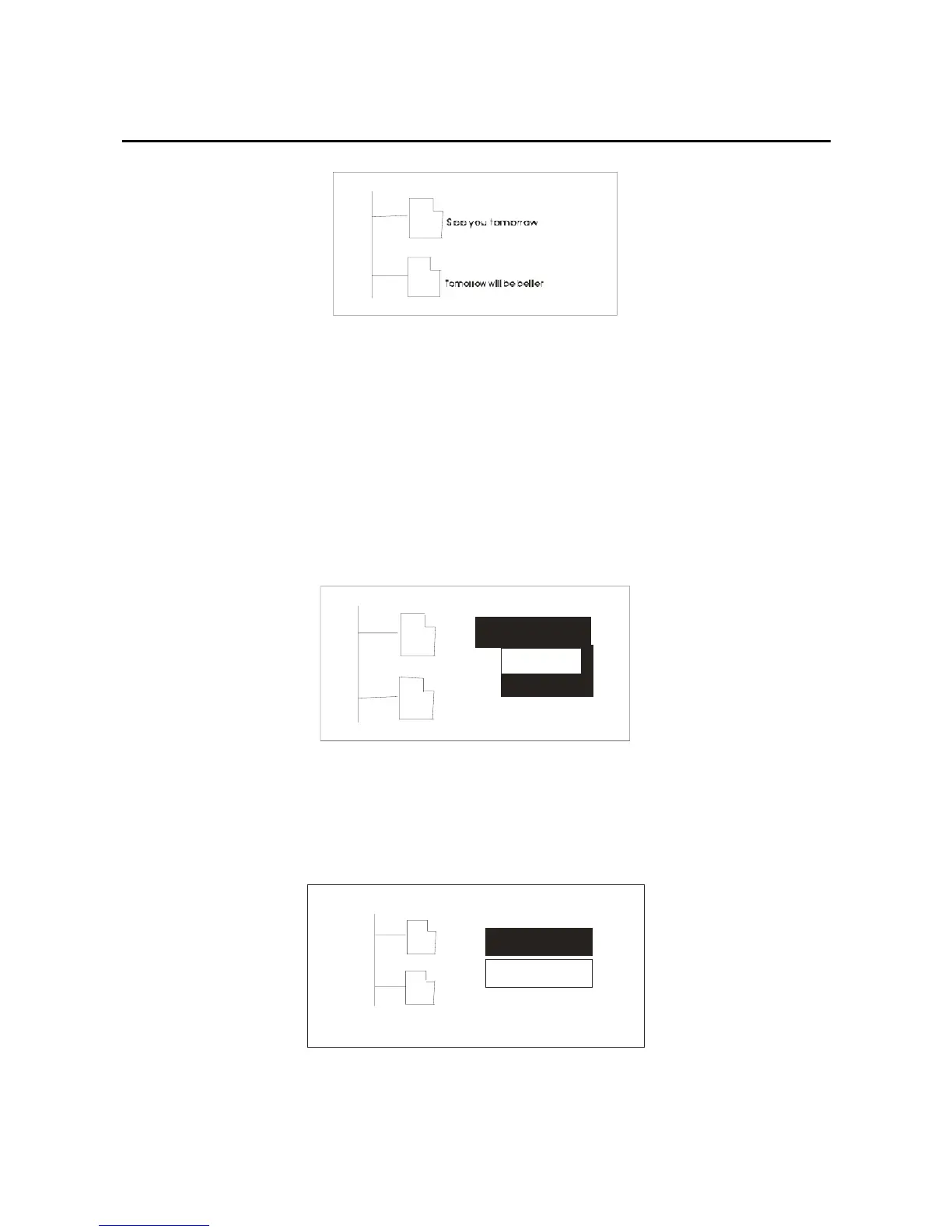
3. Through forward/back key and select the files
which you want to delete, when you press the mode
key ,the LCD shows as below picture:
Play now
Delete ?
4. In the delete dialog box, confirming by pressing the
mode key, it will show “Yes/No”, the picture as below:
Play no wPlay no w
Yes
Play now
No
34



 To Next Page