Select “Yes”, then the LCD will display:
Then the file has been deleted.
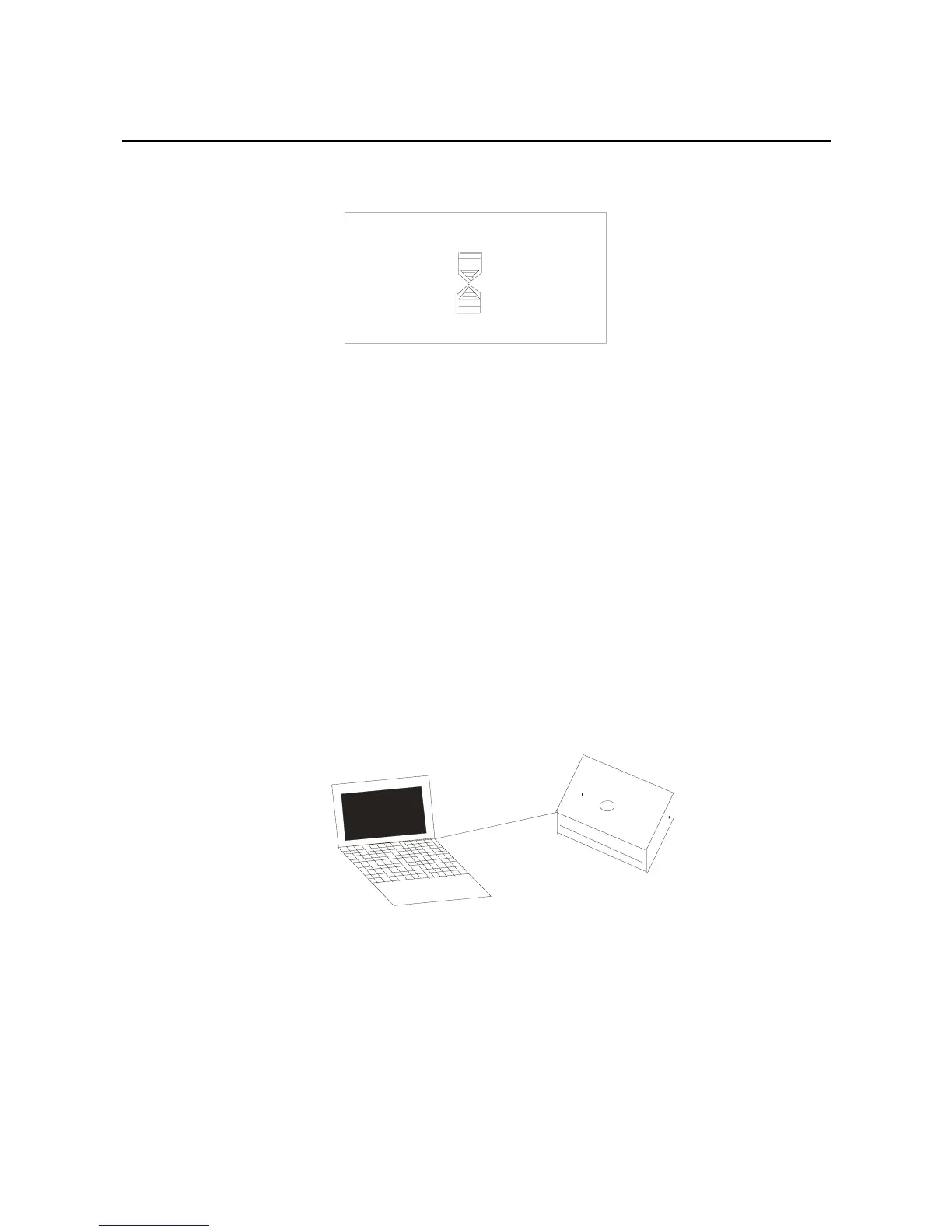
Connect with the computer
USB port connection
If your player has connected with the computer’s USB
port, the LCD will display below picture, it is showed
that the USB port has been connected.
V1.01
35
After the connection, you can transfer the data between
the computer and the player, and then you can download
the music and other files
.



 To Next Page