En-28
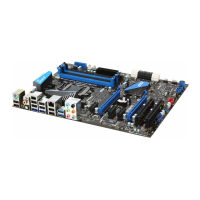
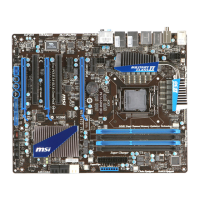
MS-7681 Manboard
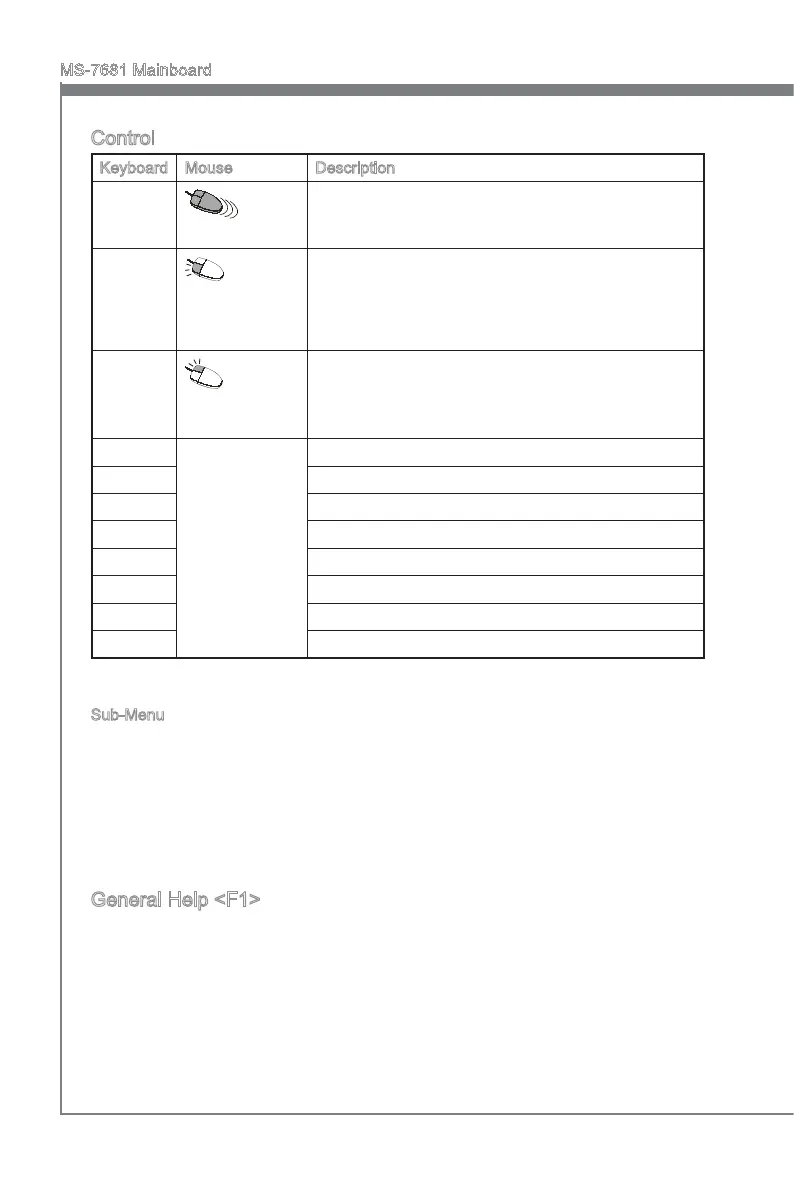
Control
Keyboard Mouse Descrpton
<↑ ↓ >
Move the cursor
Select Item
<Enter>
Clck/ Double-
clck the left but-
ton
Select Icon/ Feld
<Esc>
Clck the rght
button
Jumps to the Ext menu or returns to the prevous from
a submenu
<+> Increase the numerc value or make changes
<-> Decrease the numerc value or make changes
<F1> General Help
<F4> CPU Speccatons
<F5> Enter Memory-Z
<F6> Load optmzed defaults
<F10> Save Change and Reset
<Esc> Ext
Sub-Menu
If you nd a rght ponter symbol (as shown n the rght vew) appears to the left of cer
-
tan elds that means a sub-menu can be launched from ths eld. A sub-menu contans
addtonal optons for a eld parameter. You can use arrow keys ( ↑↓ ) or mouse to
hghlght the eld and press <Enter> or double-clck the left mouse button to enter the
sub-menu. Then you can use the control keys to enter values and move from eld to
eld wthn a sub-menu. If you want to return to the prevous menu, just press the <Esc
> or clck the rght mouse button.
General Help <F1>
The BIOS setup program provdes a General Help screen. You can call up ths screen
from any menu by smply pressng <F1>. The Help screen lsts the approprate keys to
use and the possble selectons for the hghlghted tem. Press <Esc> to ext the Help
screen.



 To Next Page
 Loading...