En-27
Englsh
BIOS Setup
Ths chapter provdes basc nformaton on the BIOS Setup program and allows you to
congure the system for optmum use. You may need to run the Setup program when:
An error message appears on the screen durng the system bootng up, and
requests you to run BIOS SETUP.
You want to change the default settngs for customzed features.
Important
The tems under each BIOS category descrbed n ths chapter are under contnuous
update for better system performance. Therefore, the descrpton may be slghtly df-
ferent from the latest BIOS and should be held for reference only.
Upon boot-up, the 1st lne appearng after the memory count s the BIOS verson. It s
usually n the format:
E7681IMS.xxx 102410 where:
1st dgt refers to BIOS type as E = EFI
2nd - 5th dgt refers to the model number.
6th dgt refers to the chpset as I = Intel, N = nVda, A = AMD and V = VIA.
7th - 8th dgt refers to the customer as MS = all standard customers.
xxx refers to the BIOS verson.
102410 refers to the date ths BIOS was released.
Enterng Setup
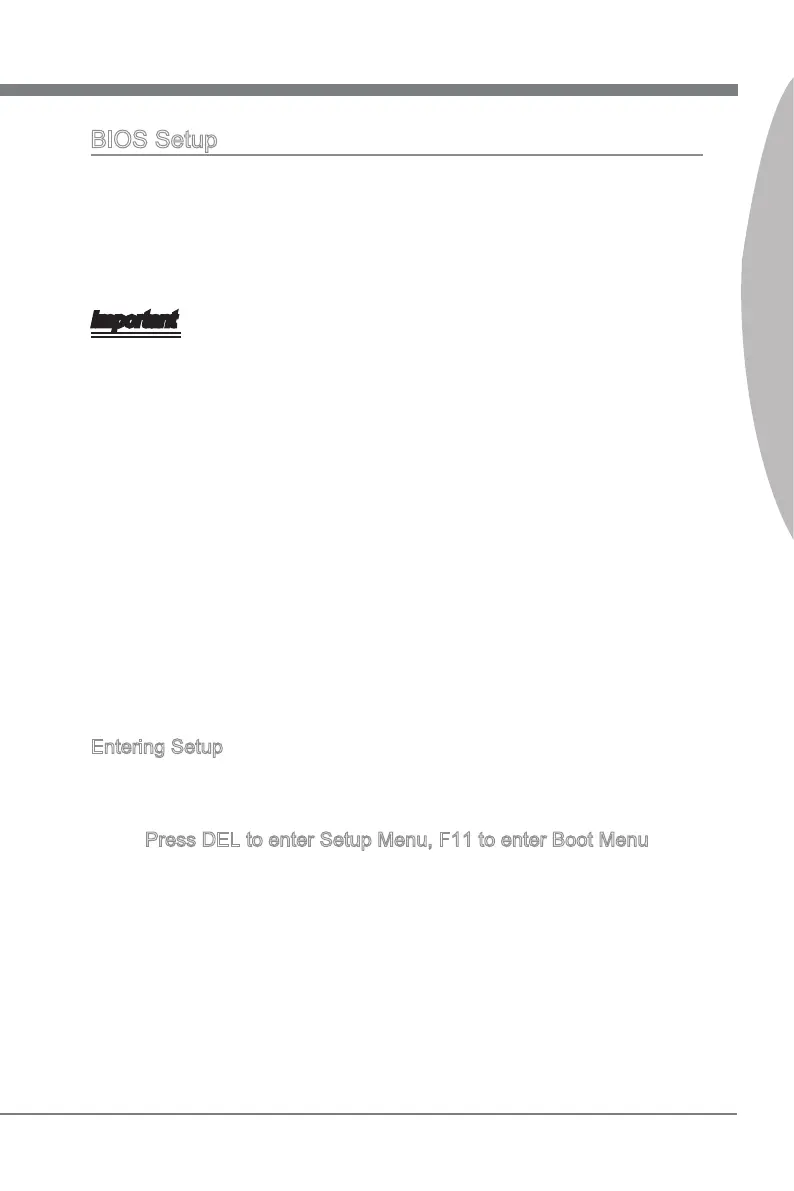
Power on the computer and the system wll start POST (Power On Self Test) process.
When the message below appears on the screen, press <DEL> key to enter Setup.
Press DEL to enter Setup Menu, F11 to enter Boot Menu
If the message dsappears before you respond and you stll wsh to enter Setup, restart
the system by turnng t OFF and On or pressng the RESET button. You may also re-
start the system by smultaneously pressng <Ctrl>, <Alt>, and <Delete> keys.
■
■
•
•


 To Next Page
 Loading...