User’s Guide
7
Key in the requested information and submit. The license
key will be sent to you via e-mail shortly.
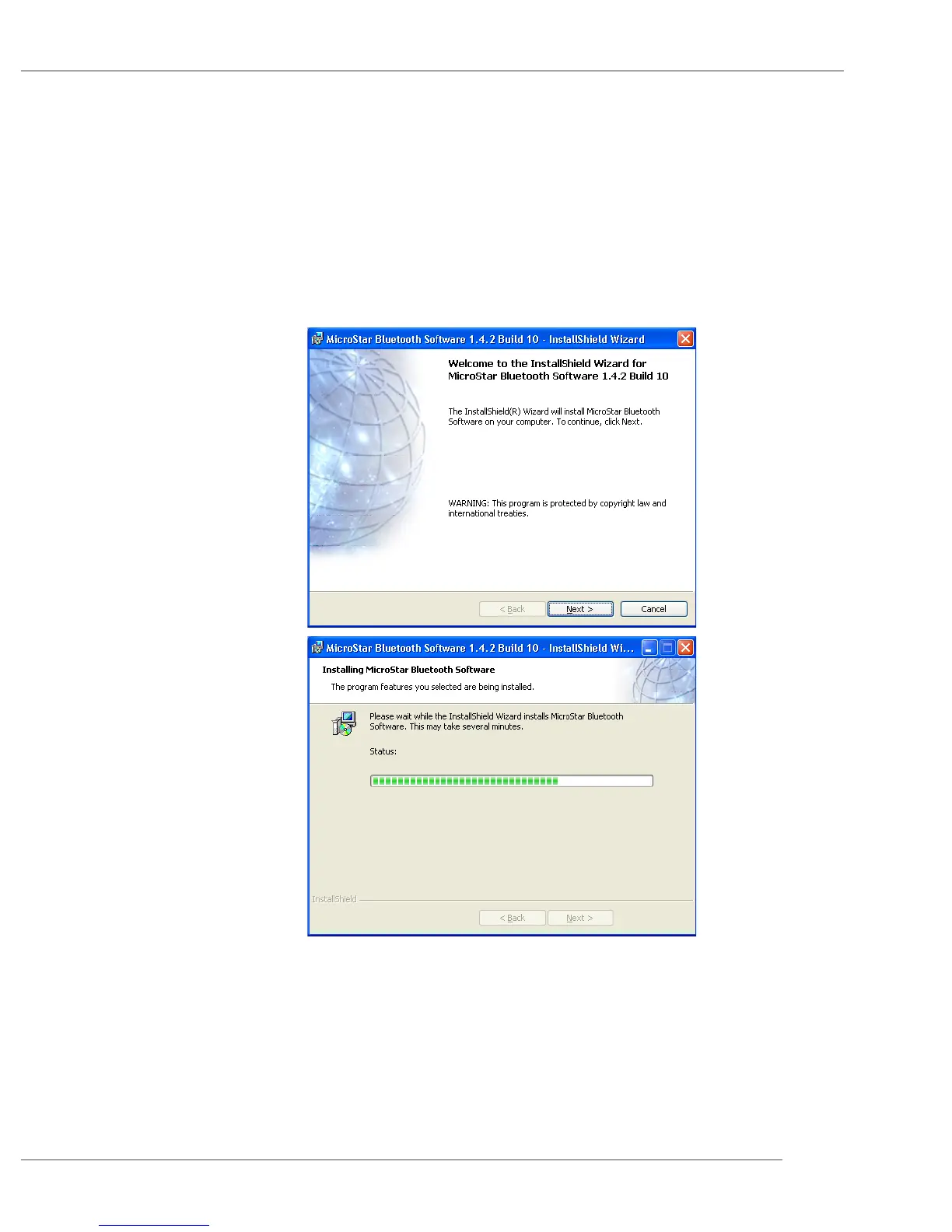
2. Download the Bluetooth software from MSI’s website
(http://www.msi.com.tw/). Unzip the file and double-click
setup.exe. Follow the on-screen instructions to install the
software step by step.
3. Key in your Bluetooth dongle’s unique license key (security
code) previously requested from WIDCOMM’s website.


 To Next Page