8
PC2PC Bluetooth
4. After completion of the installation, please restart your
computer.
MSI Reminds You...
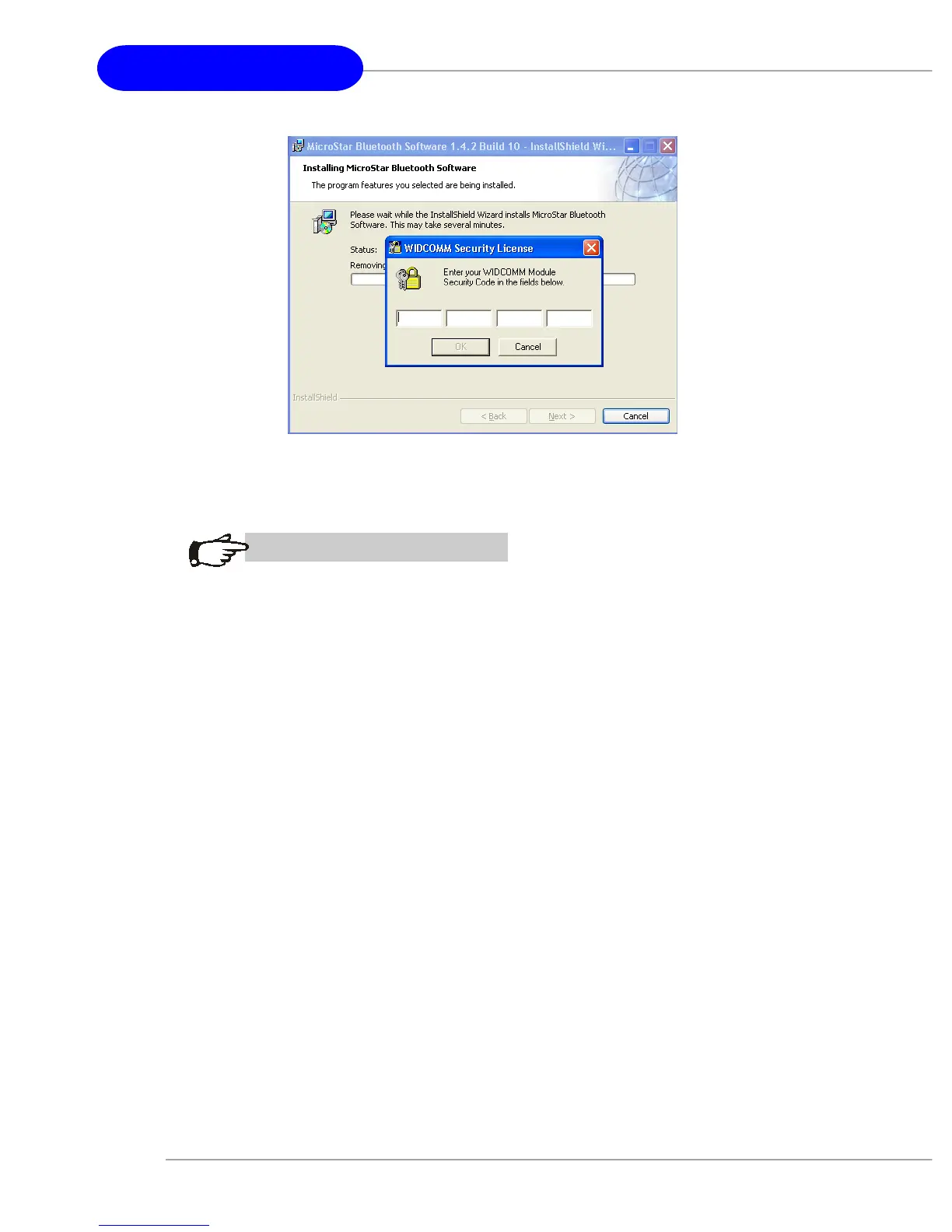
1. Every MSI dongle has its unique license key (security
code) and one license key can be used on one MSI
dongle only. The Bluetooth software will not work if an
unmatched security code is keyed in or a Bluetooth
dongle of other brands is installed.
2. To use another dongle, enter a folder named
“svcpack” and double-click BTFaeSec.exe. Key in the
dongle’s unique security code when the WIDCOMM
Security License dialog box pops up.


 To Next Page