12
PC2PC Bluetooth
MSI Reminds You...
Note 1: The transceiving key and the transceiving
module bracket both integrate one Green (Blue)
LED & one Red LED. The Green (Blue) LED indi-
cates the connection status (LED on => under con-
nection / LED off => disconnection or failed
connection.). The Red LED indicates the power state
Note 2: As the Bluetooth pinheader shares the USB
interface with blue-colored USB2.0 connector on
the mainboard, utilization of the transceiving mod-
ule will disable the bottommost USB2.0 port.
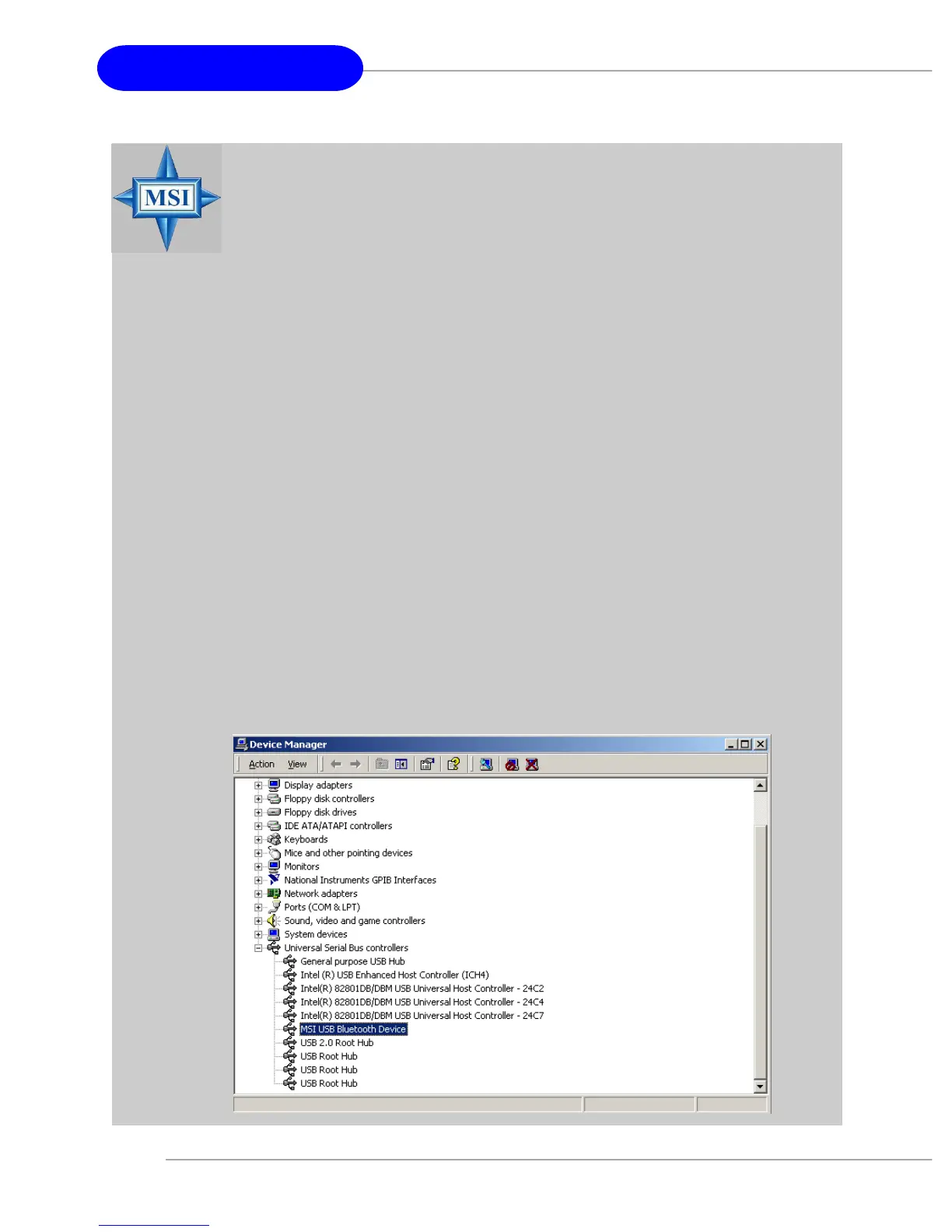
Note 3: To make sure that the hardware & software
have been successfully installed, go to Control Panel
after restarting your system. Double-click System
and click the Device Manager tab. If the hardware
& software installation is complete, the MSI USB
Bluetooth Device should appear.


 To Next Page