User’s Guide
11
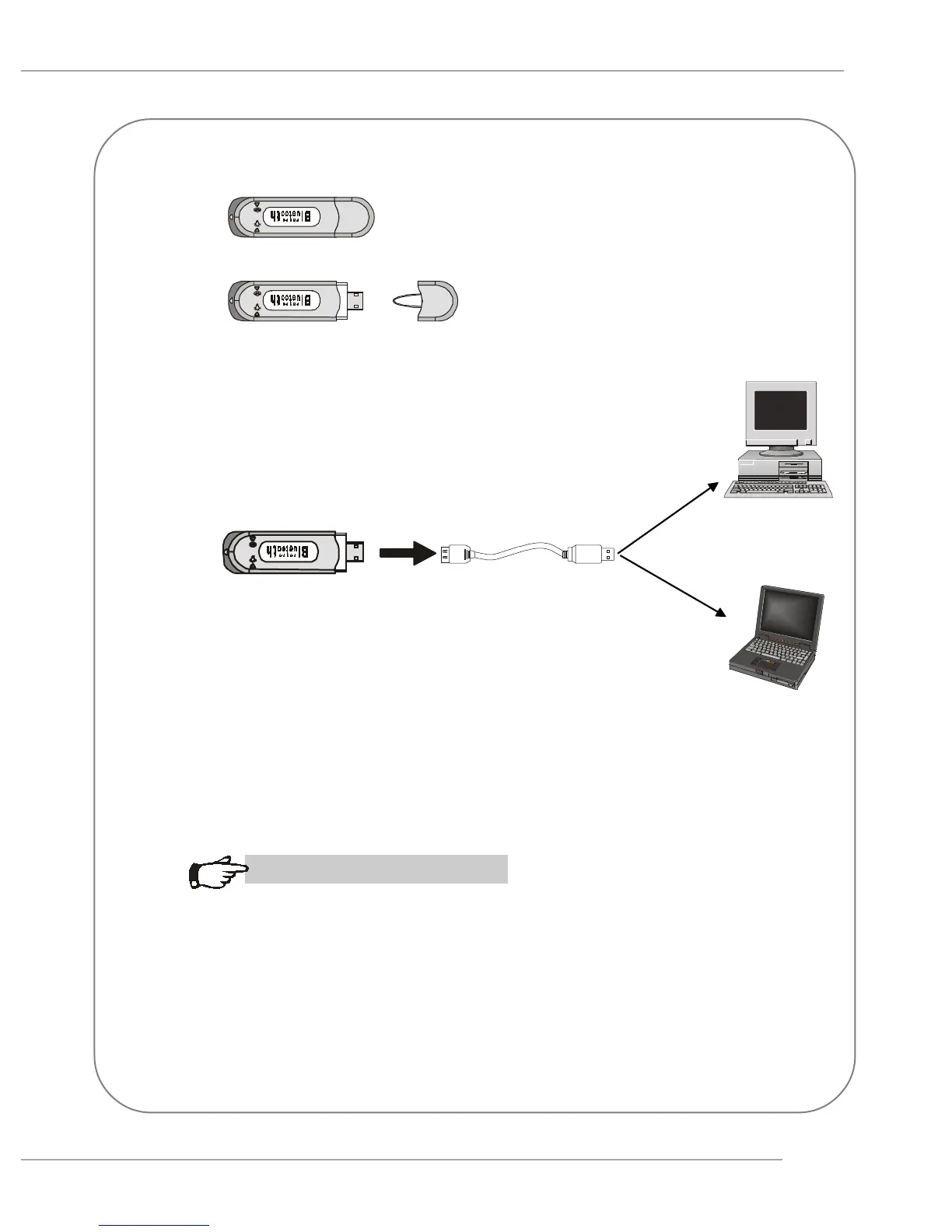
Uncap the transceiving key.
5.
6.
Connect the transceiving key to the USB cable and
link the USB cable to an available USB port of the
target device with which you wish to establish a
wireless Bluetooth connection. The target device can
be a desktop PC, a laptop PC, or any other types of
PCs with Windows
®
OS & USB ports.
MSI Reminds You...
Avoid installing the transceiving module and the
transceiving key into the same PC.


 To Next Page