User's Manual
2-12 2-13
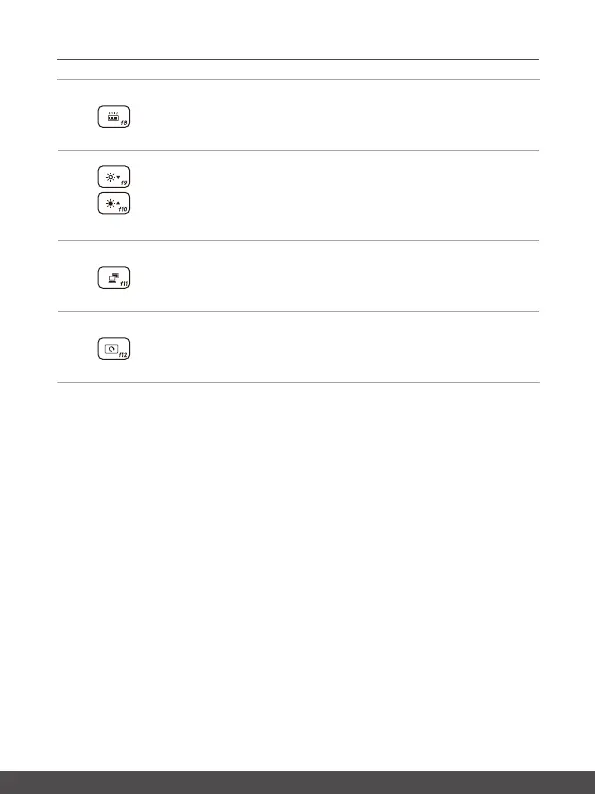
Keyboard Backlight LED Settings
Press repeatedly to select a backlight LED level according to
your preference.
LCD Settings
•f9:DecreasetheLCDbrightness.
•f10:IncreasetheLCDbrightness.
Switch Display
Switch the display output mode between the LCD, external
monitor and both.
Screen Rotation
Rotate the screen upside down for 180 degrees. Press again to
rotate the screen back to its default position.



 To Next Page