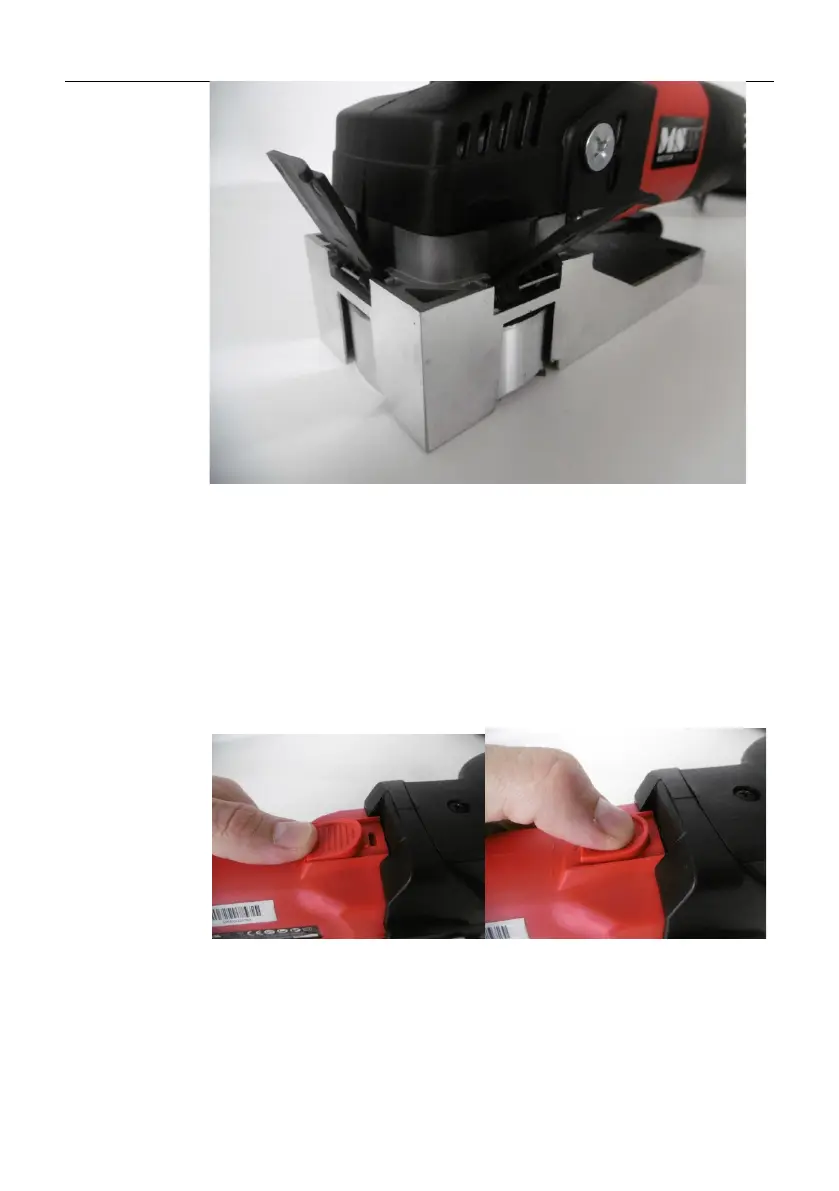
3.3.2 Switching On / Off
IMPORTANT: the machine has a safety mechanism which reduces the
power if the machine gets stuck during operation, etc., so remember
to always hold the machine with both hands during operation!
(See the following 2 pictures): lift the unit in the air so that the foot
does not touch anything and the cutting head can move freely. Press
and push the ON/OFF switch (B) towards the auxiliary handle (A) and
the unit will start and you can start working with it.
To switch off the unit (see the following 2 pictures), first lift it in the
air, i.e. away from the workpiece, so that the head can move freely
and without load. Then press the ON/OFF switch (B) and it will return
to its original position, i.e. it will move backwards and the machine
will switch off.


 To Next Page