[WORKING]
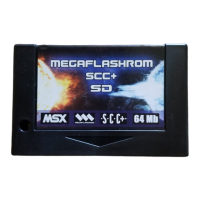
Insert the MegaFlashROM SCC+ SD cart in one slot
while the computer is turned off.
Turn the computer on and the disk operative system
will boot. If you need to reinstall the cartridge software
check INSTALATION section.
[MSX with 128K RAM or more]
With this configuration you can use Nextor (MSX-DOS
2), FAT16 and partitions up to 4 GB.
When using an MSX2 or higher, MultiMente –a file
explorer- will boot automatically. It is installed by
default in the ROM disk of the cartridge. Check
MULTIMENTE section.
[MSX with less than 128K RAM]
With this configuration you can’t use Nextor or
MultiMente, only MSX-DOS 1, FAT12 and partitions up
to 16 MB.
Execute OPFXSD from command line by selecting the
ROM or DSK and needed options.


 To Next Page