[After flashing the cartridge]
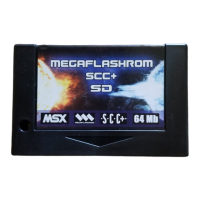
Once the ROM is stored the cartridge will behave as if it
were the original one and won't be erased even if the
computer is turned off.
ESC key or the one configured through /T option must
be pressed while computer is booting to avoid the
execution of the game.
If it doesn’t work, you can erase the cartridge using the
recovery mode. Press CURSOR UP while booting and
select F1 option.
RESET key can be hold on pressed for 5 seconds to
disable MegaFlashROM SCC+ temporarily if previous
system would fail for any reason.
[PSG]
The PSG included in the cartridge is mapped to ports
#10-#12.


 To Next Page