EasyManua.ls Logo

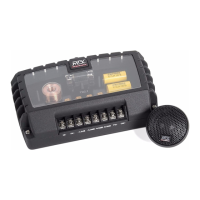
MTX TXC6.1 - TWEETER MOUNTING; Surface Mounting; Flush and Angle Mounting

MTX TXC6.1
14 pages
Print Icon
To Next Page IconTo Next Page
To Previous Page IconTo Previous Page
Loading...
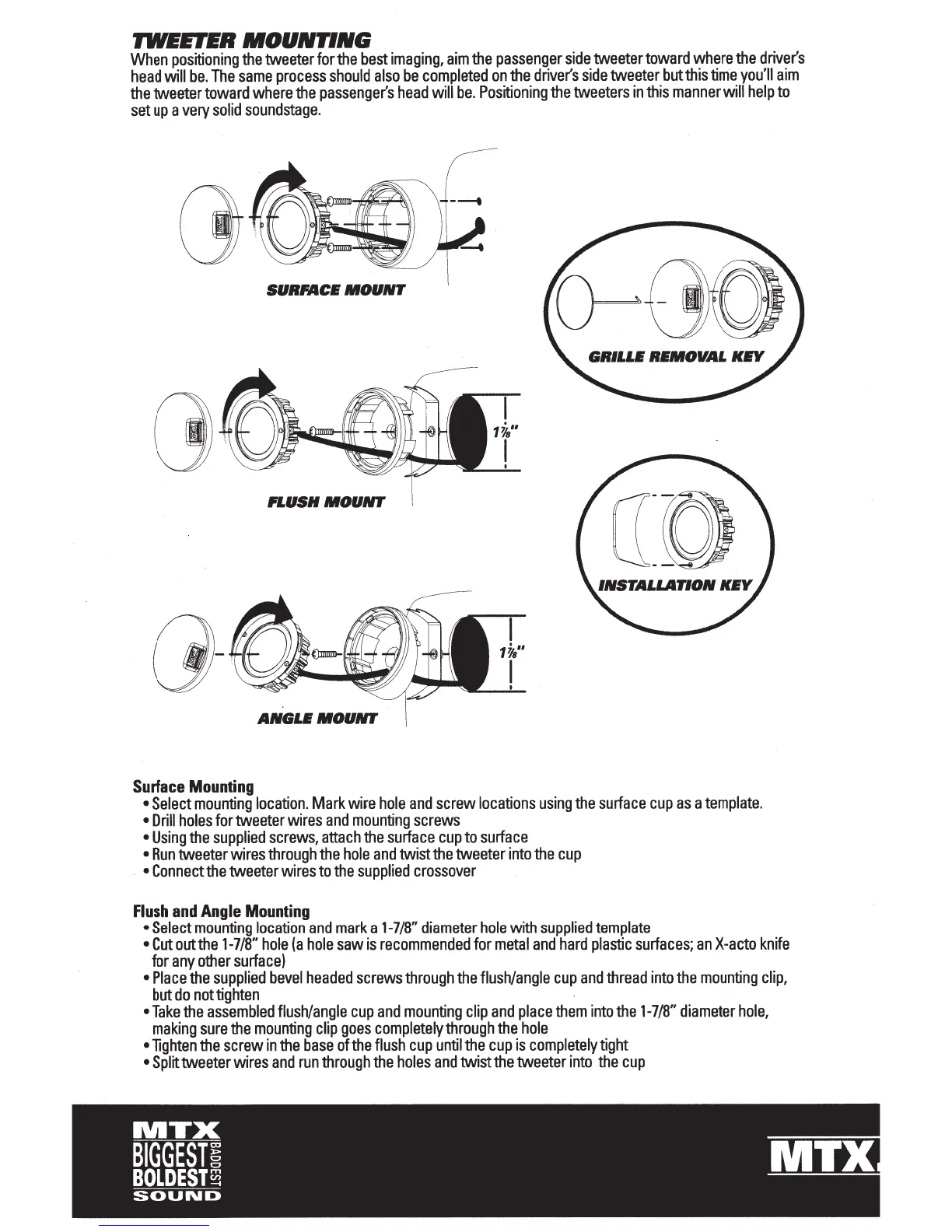
'JWEETER
MOUNTING
When
positioning
the
tweeter
for
the
best
imaging,
aim
the
passenger
side
tweeter
toward
where
the
driver's
head
will
be.
The
same
process
should
also
be
completed
on
the
driver's
side
tweeter
but
this
time
you'll
aim
the
tweeter
toward
where
the
passenger's
head
will
be.
Positioning
the
tweeters
in
this
manner
will
help
to
set
up
a
very
solid
soundstage.
SURFACE
MOUNT
FLUSH
MOUNT
a:o
ANGLE
MOUNT
Surface
Mounting
Select
mounting
location.
Mark
wire
hole
and
screw
locations
using
the
surface
cup
as
a
template.
Drill
holes
for
tweeter
wires
and
mounting
screws
Using
the
supplied
screws,
attach
the
surface
cup
to
surface
Run
tweeter
wires
through
the
hole
and
twist
the
tweeter
into
the
cup
Connect
the
tweeter
wires
to
the
supplied
crossover
Flush
and
Angle
Mounting
Select
mounting
location
and
mark
a
1-7/8"
diameter
hole
with
supplied
template
Cut
out
the
1-7/8"
hole
(a
hole
saw
is
recommended
for
metal
and
hard
plastic
surfaces;
an
X-acto
knife
for
any
other
surface)
Place
the
supplied
bevel
headed
screws
through
the
flush/angle
cup
and
thread
into
the
mounting
clip,
but
do
not
tighten
Take
the
assembled
flush/angle
cup
and
mounting
clip
and
place
them
into
the
1-7/8"
diameter
hole,
making
sure
the
mounting
clip
goes
completely
through
the
hole
•lighten
the
screw
in
the
base
of
the
flush
cup
until
the
cup
is
completely
tight
Split
tweeter
wires
and
run
through
the
holes
and
twist
the
tweeter
into
the
cup

Related product manuals