Controls and Instrumentation
8. No readings of the tractor motion speed:
- Check the presence of the signals from the both speed sensors (BV1, BV2).
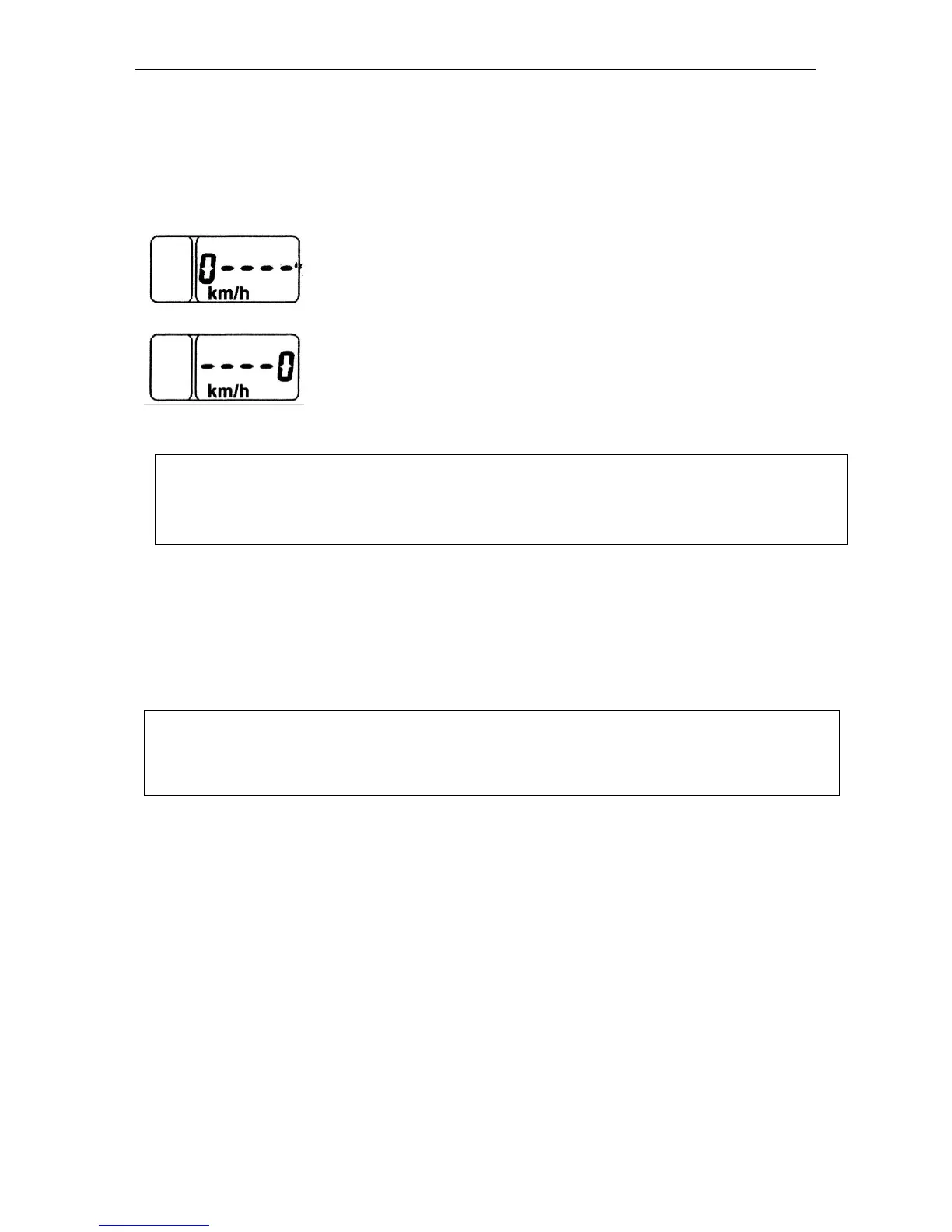
9. The “0km/h----” or “----0кm/h” readings appear on the indicator display within 10-
12 s after starting the motion of the tractor:
- no signal from the left speed sensor (BV2) check the serviceability of the sensor.
- no signal from the right speed sensor (BV1) check the serviceability of the sensor.
ATTENTION! The speed readings are affected considerably by the speed sensor set-
ting and adjustment performed when replacing or repairing the speed sensor. The gap
“S” between the end face of the sensor (2), Fig. …, and projection of the tooth of the fi-
nal pinion (6) of the rear axle shall be as specified in Table … below
A brief message about faults (Example: 0----, FUEL) is shown according to the
priority on the LCD regardless the information displayed. On pressing successively the
“Mode” (Режим) button, the messages shall be paged. When viewing the last message
and pressing repeatedly the “Mode” button, the LED is switched to the mode of display-
ing over the cycle of the operating parameters specified below. The faults are displayed
on the LCD each time the instrument is switched on until the fault is eliminated.
Note:
- On switching on the power supply of the CI, the LED shows the information in the in-
dication mode selected until the power supply of the CI is switched off in case of ab-
sence of the messages about faults.



 To Next Page