164
www.multilaser.com.br
4.9. Security
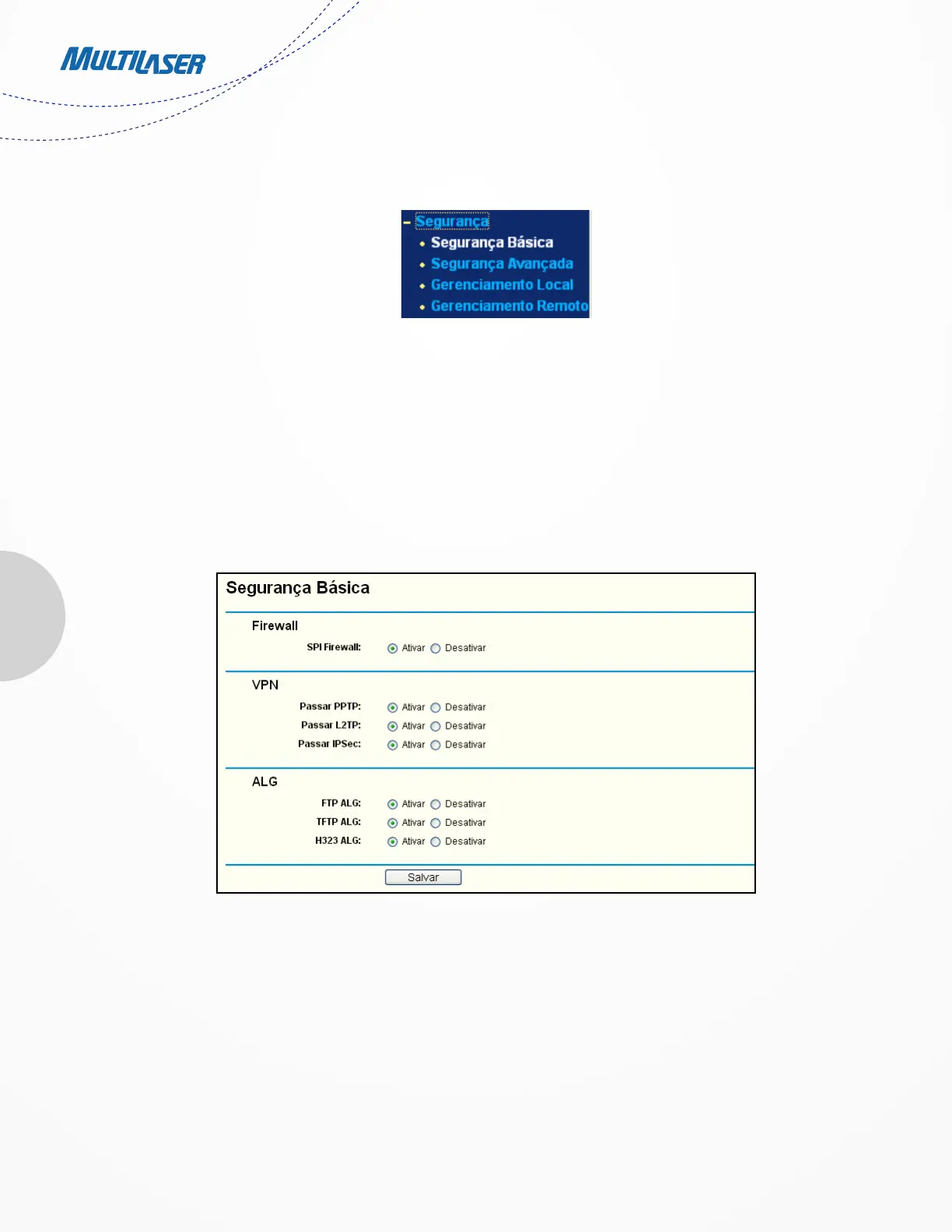
There are four submenus under the Security menu as shown in Figure 4-38: Basic Security, Advanced Security, Local Management
and Remote Management. Click any of them, and you will be able to configure the corresponding function.
4.9.1. Basic Security
Choose menu “Security > Basic Security”, you can configure the basic security in the screen as shown in Figure 4-39.
• Firewall - A firewall protects your network from the outside world. Here you can enable or disable the Router’s firewall.
Figura 4-38 O menu Segurança
Figura 4-39 Segurança Básica



 To Next Page