Chapter 3: FaxFinder Web Management Interface
Multi-Tech Systems, Inc. FaxFinder Admin User Guide 24
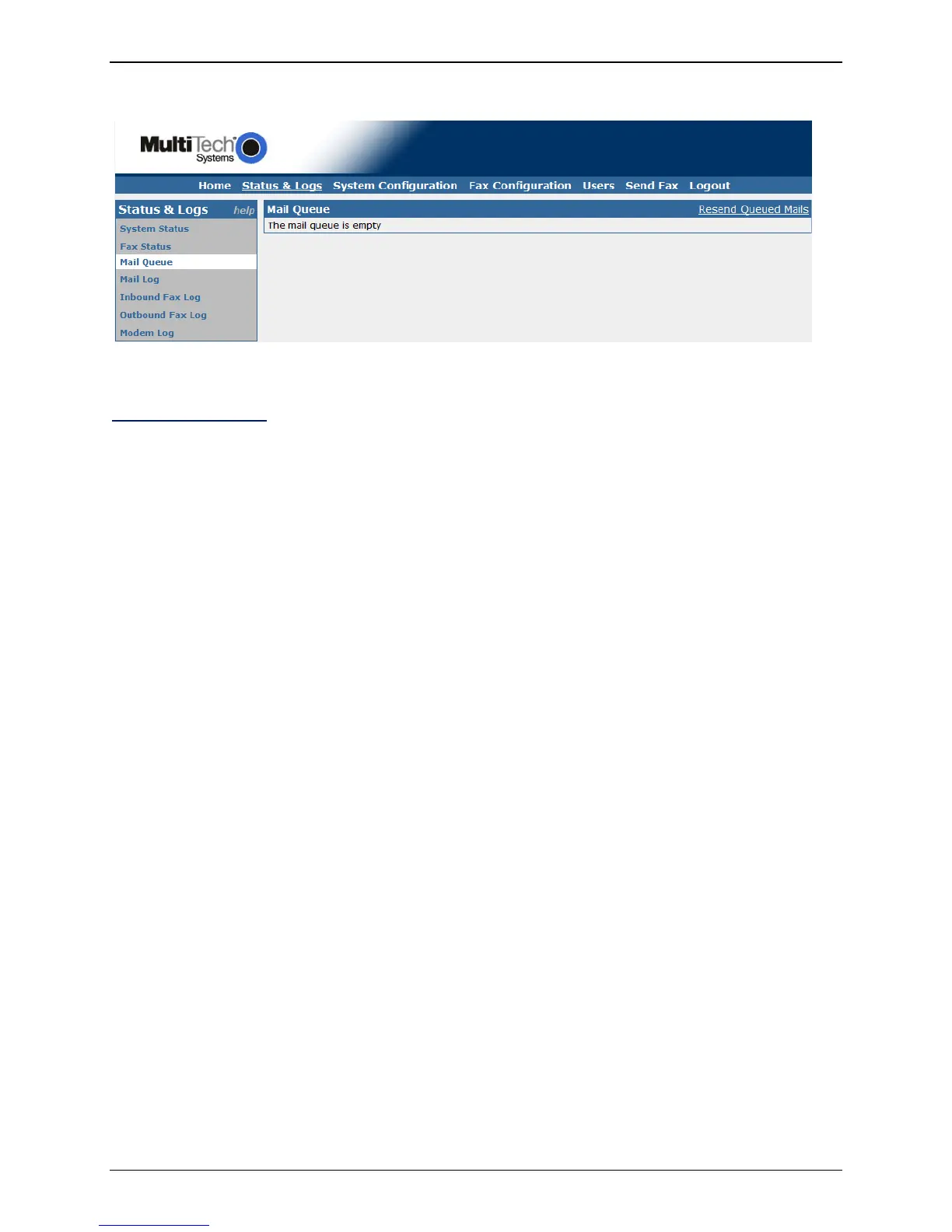
Mail Queue
The Mail Queue displays a list of emails residing in the queue waiting to be completed. Information is
broken into six sections.
Resend Queued Mails
Clicking on this link will tell the FaxFinder to resend all mail items in the queue immediately.
Date
This column displays the date the email was created on.
Size
This column shows the size of the mail message in bytes.
Sender
This column displays the user name of the party sending the email.
Recipient
This column displays the intended target of the email.
Type
This column shows the delivery type of file that is to be sent; e.g. local, remote.
Delivery Message
This column shows information about the state of the delivery. For example, if there was a problem,
SMTP error messages can be shown here; e.g. deferral: Sorry, I couldn’t find any host by that name.
(#4.1.2).



 To Next Page