Chapter 3: FaxFinder Web Management Interface
Multi-Tech Systems, Inc. FaxFinder Admin User Guide 52
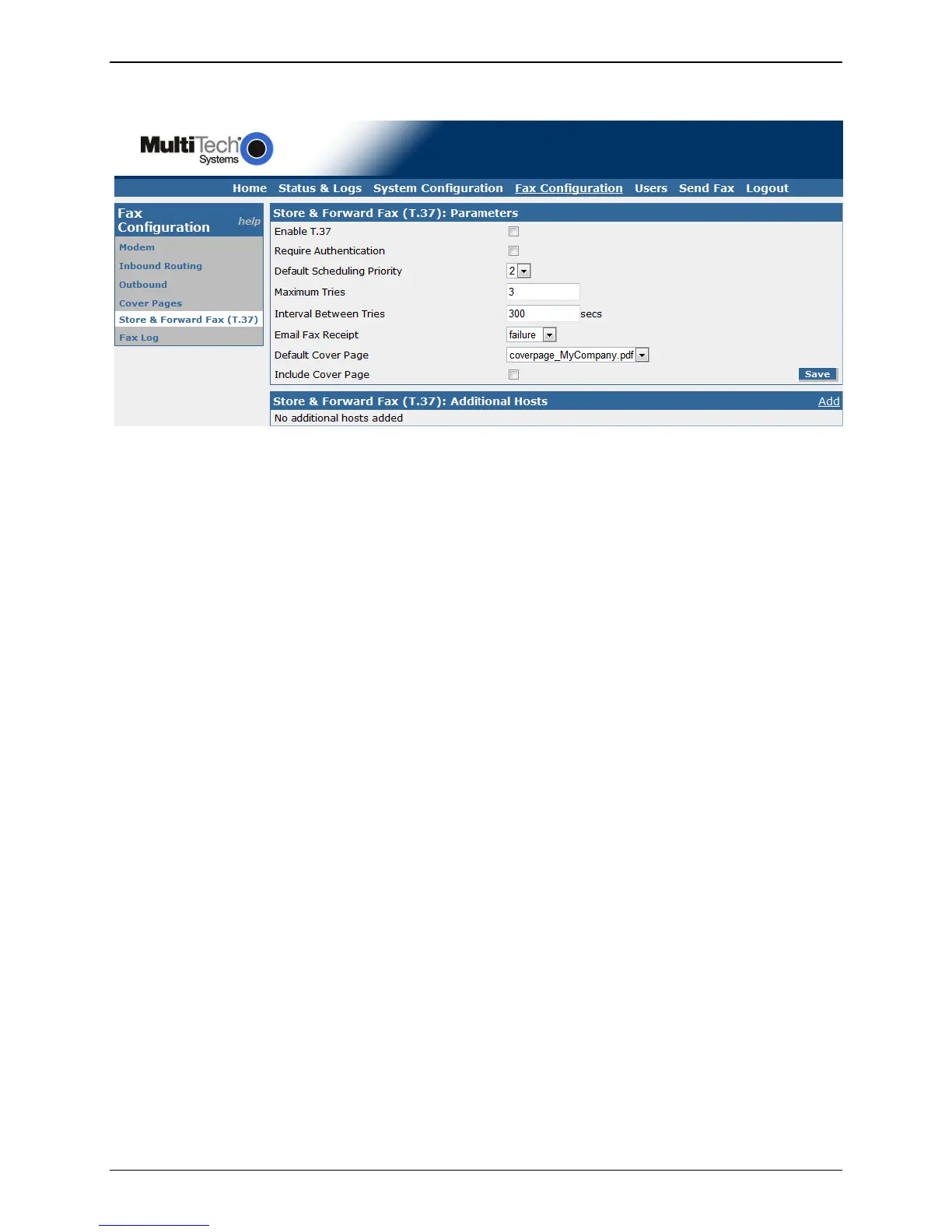
Store & Forward Fax (T.37)
Store and Forward fax (or T.37) is described in detail with examples in a later chapter. Here we are
describing the parameters for T.37 that can be input into the FaxFinder unit through the web interface.
Store & Forward Fax (T.37): Parameters
Enable T.37
To allow the use of Store and Forward faxing on this FaxFinder unit, check this box, else it will
not be allowed.
Require Authentication
Check the Require Authentication box to force users to have a valid username and password to
use Store and Forward faxing.
Default Scheduling Priority
Select the priority for scheduling store and forward faxing. The range is 0 to 5, with 0 being the
highest priority. This setting will come in to play when there are more faxes in the queue that
need to be sent out than there are available internal modems.
Maximum Tries
Enter the maximum number of tries that you want the FaxFinder to attempt without a
successful completion before considering the fax as failed.
Interval Between Tries
Enter the time in seconds that you want the FaxFinder to wait between unsuccessful
transmission attempts.



 To Next Page