Chapter 3: FaxFinder Web Management Interface
Multi-Tech Systems, Inc. FaxFinder Admin User Guide 60
Export
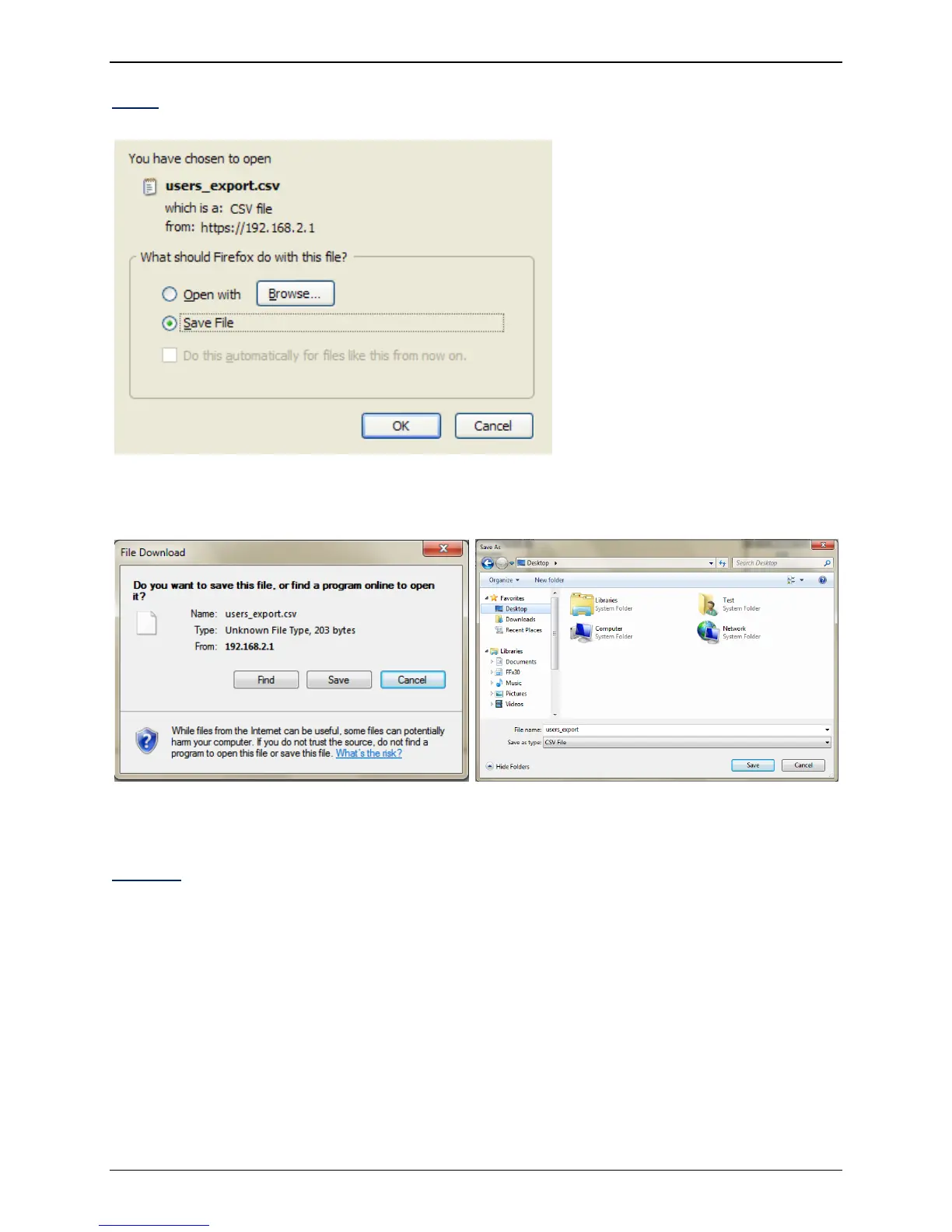
Using Firefox:
Select the Save File button, then click OK to save the current Users as a Comma Separated Value (CSV)
file.
Using Internet Explorer:
Click the Save button and then select a destination from the new screen and click Save to have the
FaxFinder export the Users as a Comma Separated Value (CSV) file.
Delete All
This will permanently delete all users in the list.



 To Next Page