Chapter 4: Client Installation
Multi-Tech Systems, Inc. FaxFinder Admin User Guide 70
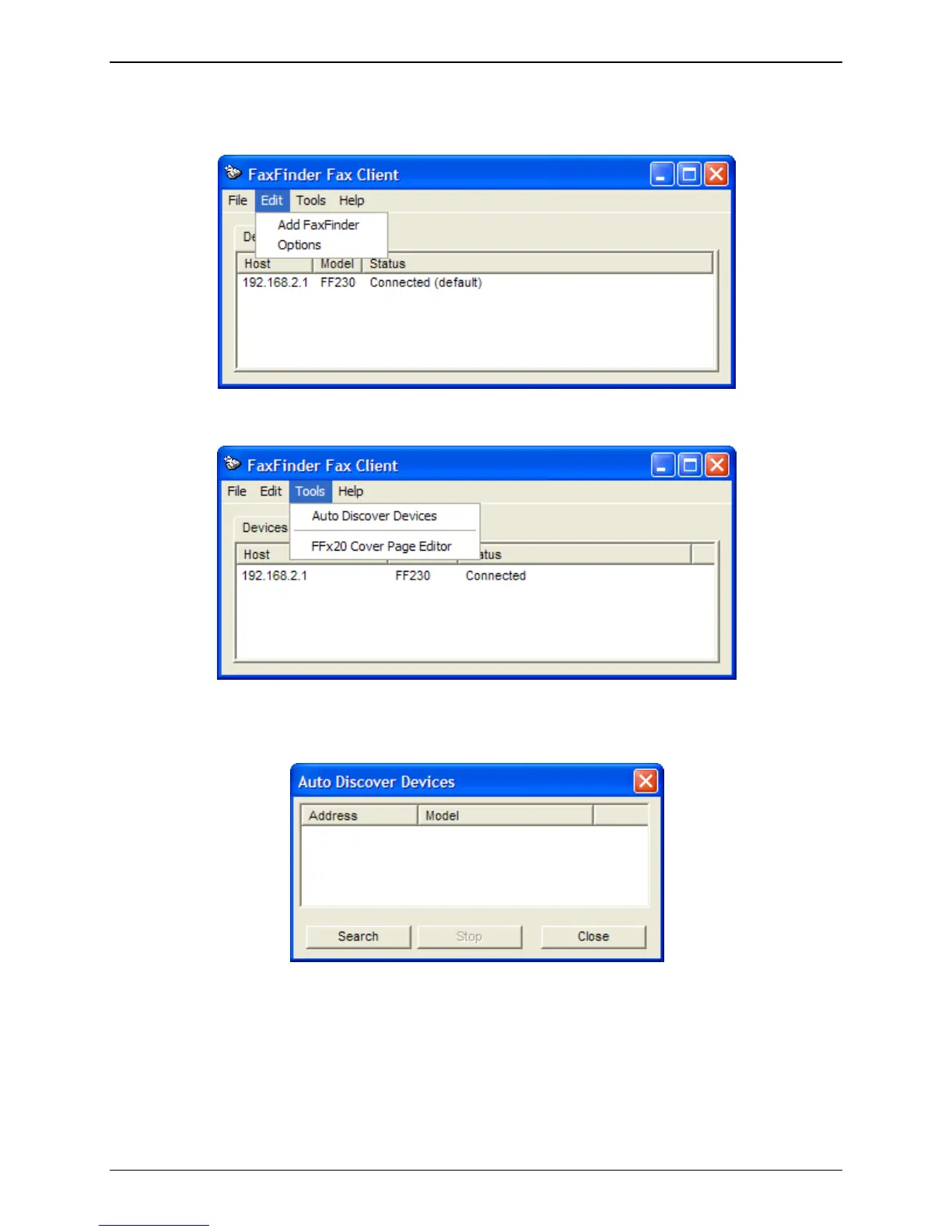
1. At the main screen of the FaxFinder Fax Client Software, click on Edit and select “Add FaxFinder” if
you know the IP address or Host Name of the FaxFinder, otherwise open the Tools menu and select
“Auto-Discover Devices” to have the Client software search the network for FaxFinder units.
Add FaxFinder Manually
Use Auto Discover to Locate FaxFinder
a. If you are using the Auto Discover Device method, click the ‘Search’ button to have the
FaxFinder Client software search the available network for FaxFinder units that are available.



 To Next Page