Chapter 5: FaxFinder Operation
Multi-Tech Systems, Inc. FaxFinder Admin User Guide 83
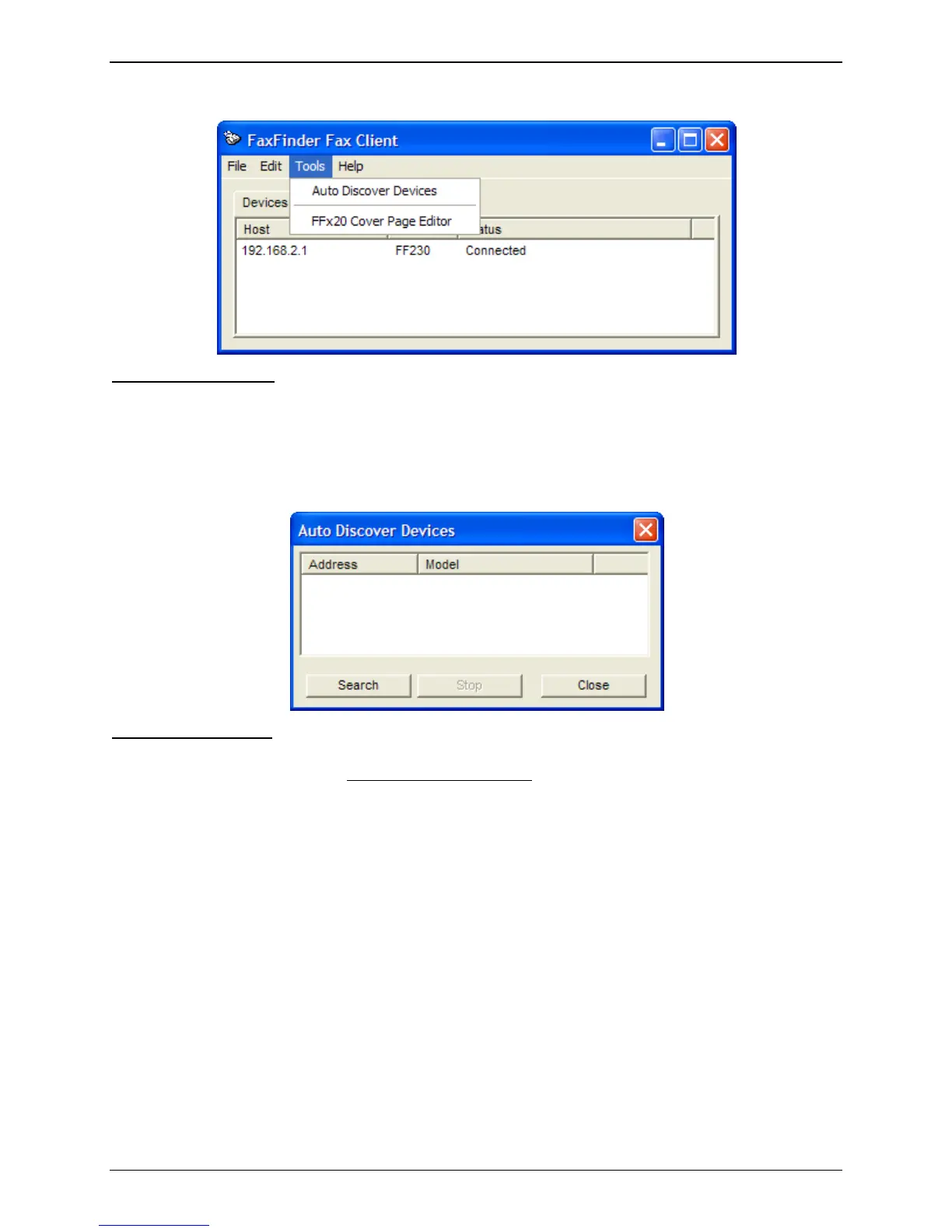
Tools Menu Command Descriptions
Auto Discover Devices:
Selecting Auto Discover Devices will have the Client software search the network
for active FaxFinder units that are on the same network.
Click on the Search button to begin the auto discovery. Once begun, you can click the Stop
button to end the search at any time. When you are finished, click the Close button.
Any device found can be added by right-clicking and selecting Add or double-clicked to add it to
the Client software.
FFx20 Cover Page Edit:
Selecting this option will open the FaxFinder x20 Cover Page Editing software
that was installed with the client. The software allows you to edit existing covers pages or create
entirely new ones for the FaxFinder x20 models only
.



 To Next Page