MCSI Setup for Connection to a Serial-to-Ethernet Device
Multi-Tech Systems, Inc. MCSI and Serial-to-Ethernet Device Setup Example – A Reference Guide 4
1. Run the file you downloaded, or select the MCSI software from the provided CD. When the
Welcome screen appears, click Next.
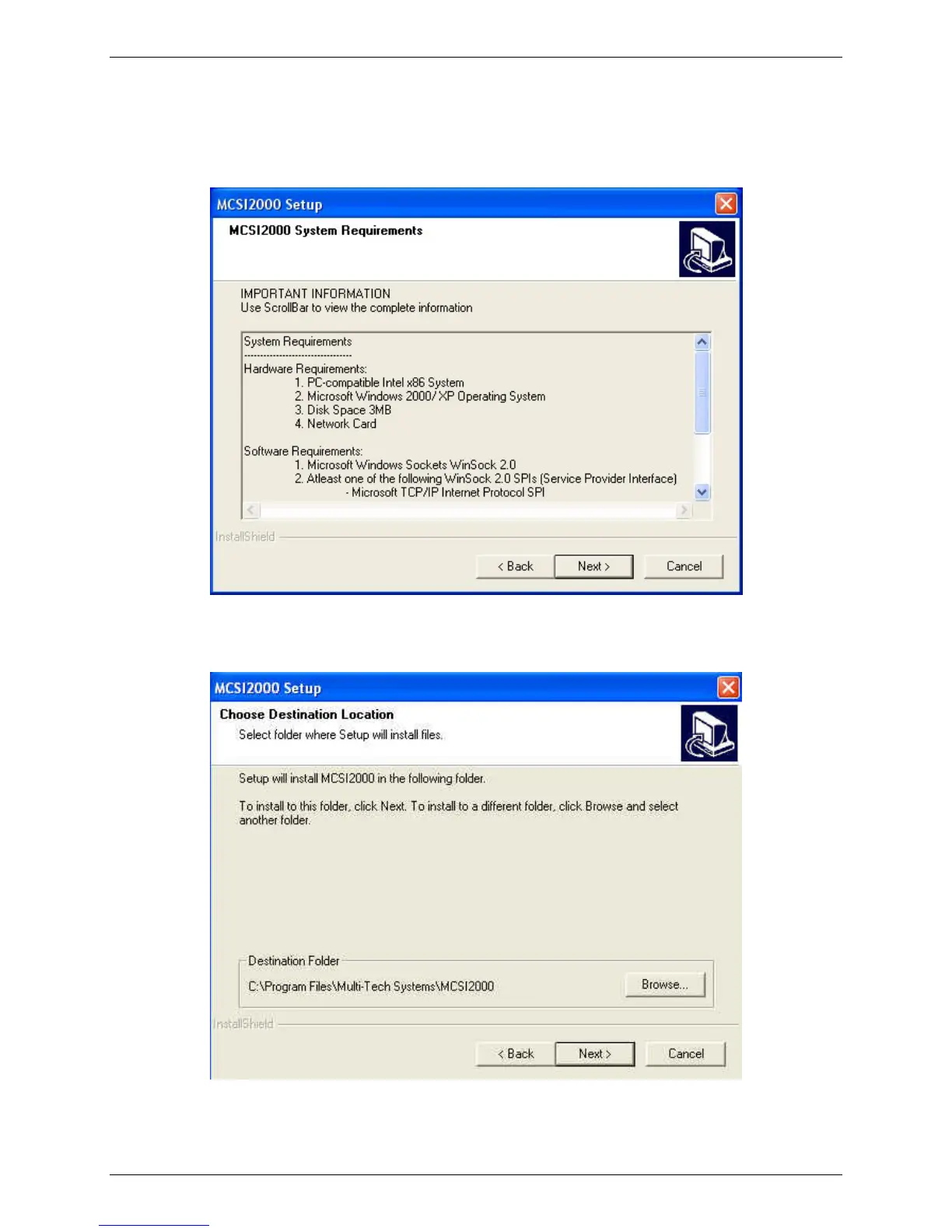
2. Once you have read the system requirements, click Next .
3. Click Next to accept the default folder in which this setup program will install the MCSI files.



 To Next Page