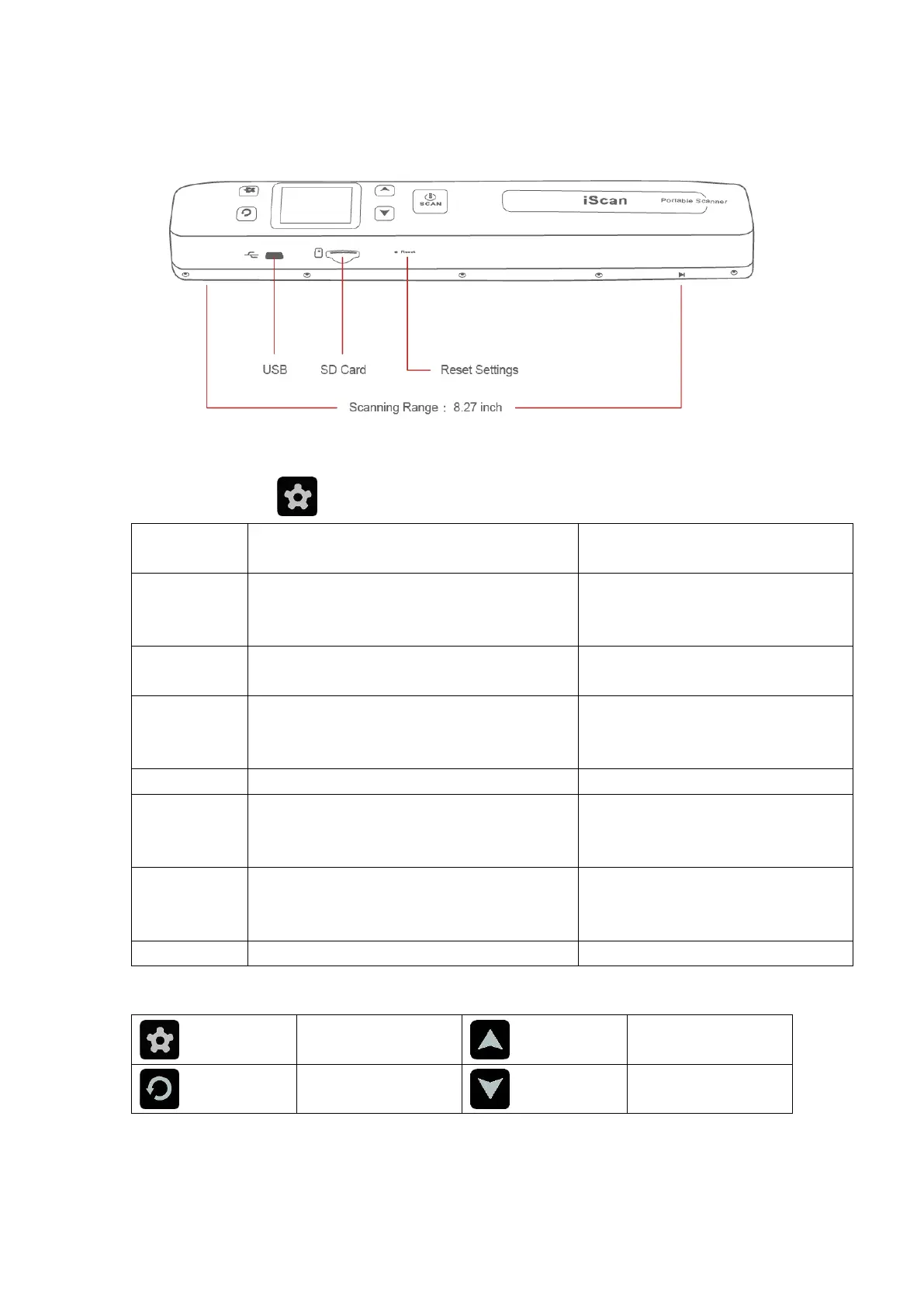
About Setting
LOW-300DPI
HIGH-600DPI
FINE-1050DPI
The higher DPI is, the clearer your scans
would be
Your scans would be created in color or black
and white
After choosing this function, the scanner will
go into WIFI status. You have access to
connect your device to the WIFI to get scans
Delete all the scans in memory card. Ideal for
use when you finish updating the scans to
your device
After setting time of the machine, every time
you finish your scan, time of scanning file
would follow the machine
English/French/German/Spanish/Italy/Chinese/Japanese
*Operate setting menu


 To Next Page