EasyManua.ls Logo

MUNBYN IPDA018 - Device Overview; Physical Components and Controls; Custom Button Operations

MUNBYN IPDA018
12 pages
Print Icon
To Next Page IconTo Next Page
To Previous Page IconTo Previous Page
Loading...
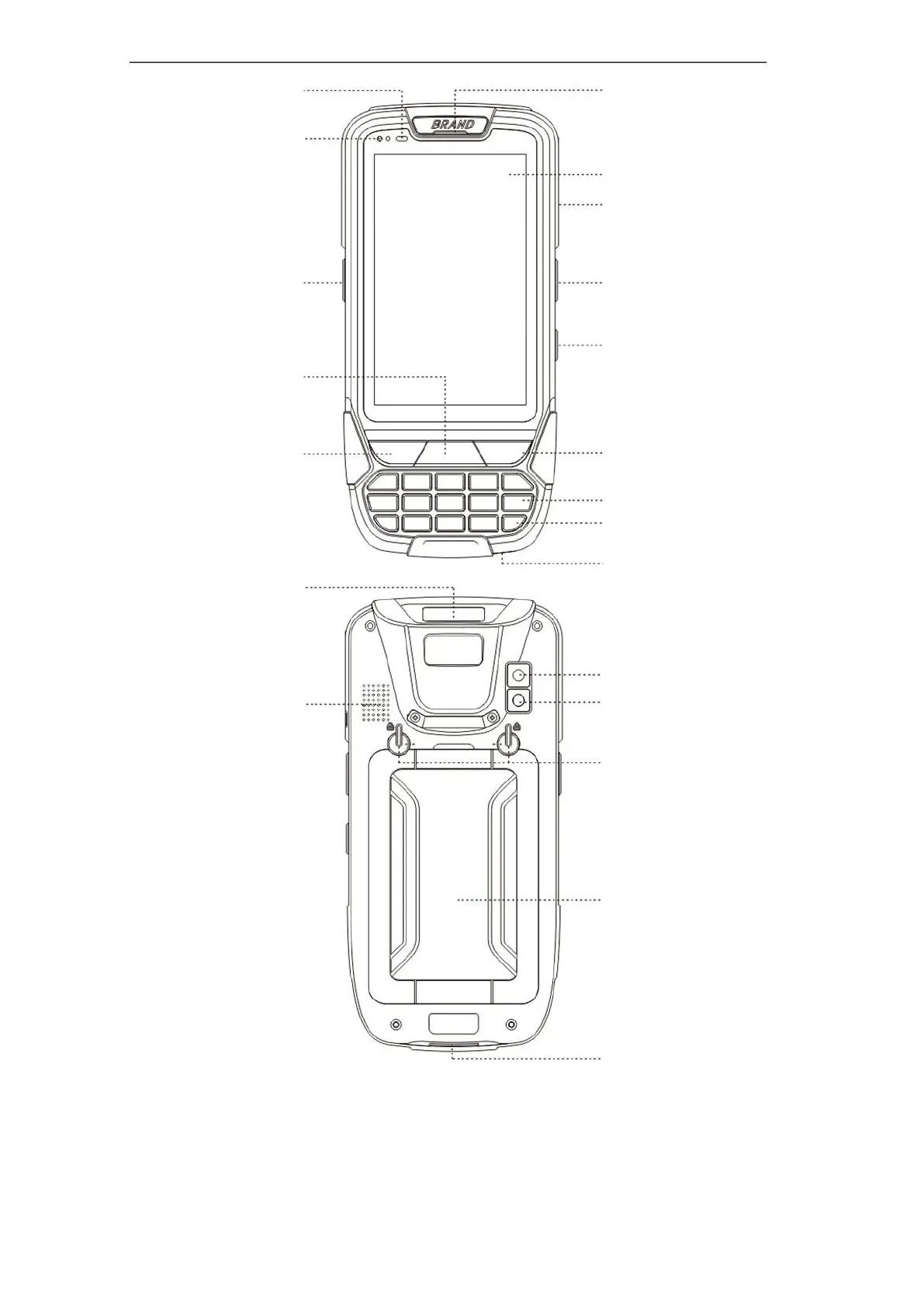
Overview
light
Power Button
Scan
Microphone
Back Button
FN Button
Scan
HOME
Enter
Display area
Scan window
Receiver
Buckles for
battery cover
Camera
Flash lamp
Hot button / Custom button:
1. Screen capture : "power" + "Left scan key"
2. Custom button : Setting Feature Custom Key
3. Letter input switching : Press "Fn" and "#" at the same time
4. Hide virtual keyboard : Setting Language & input
Physical keyboard Display virtual keyboard(off)
5.
USB interface
Scan
Connector for cradle
Light-sensitive
battery cover

Related product manuals