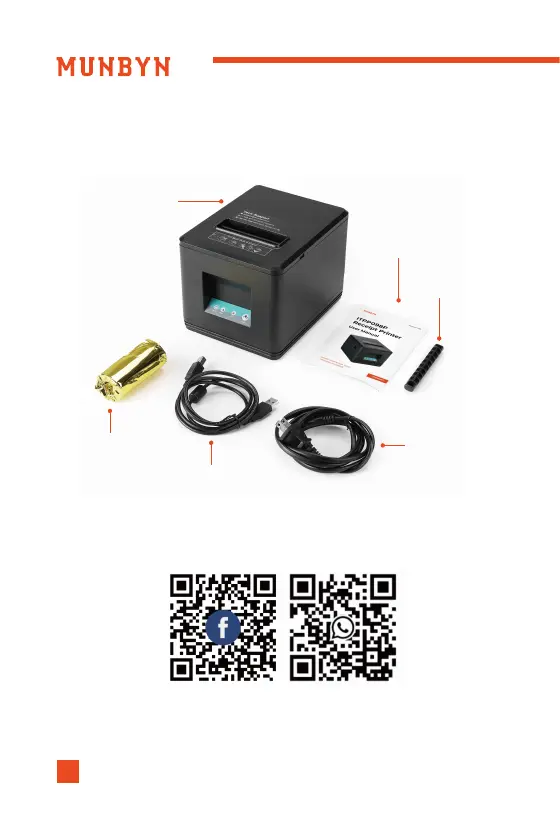
2.0. Check the Packing List
ITPP098PUITPP098PU
43
In case of omission or damage, please contact us via the contact details
below.
Printer
User Manual
Roll Paper
USB Cable
Power Cord
Roller
Scan the QR code for Facebook or WhatsApp online chat
1.Press the cover opening button and then open the cover.
2.Insert a roll of paper in the direction shown in the illustration.
3.Pull the end of the paper out straight, and push down the
printer cover to close.
3.0. Paper Loading



 To Next Page